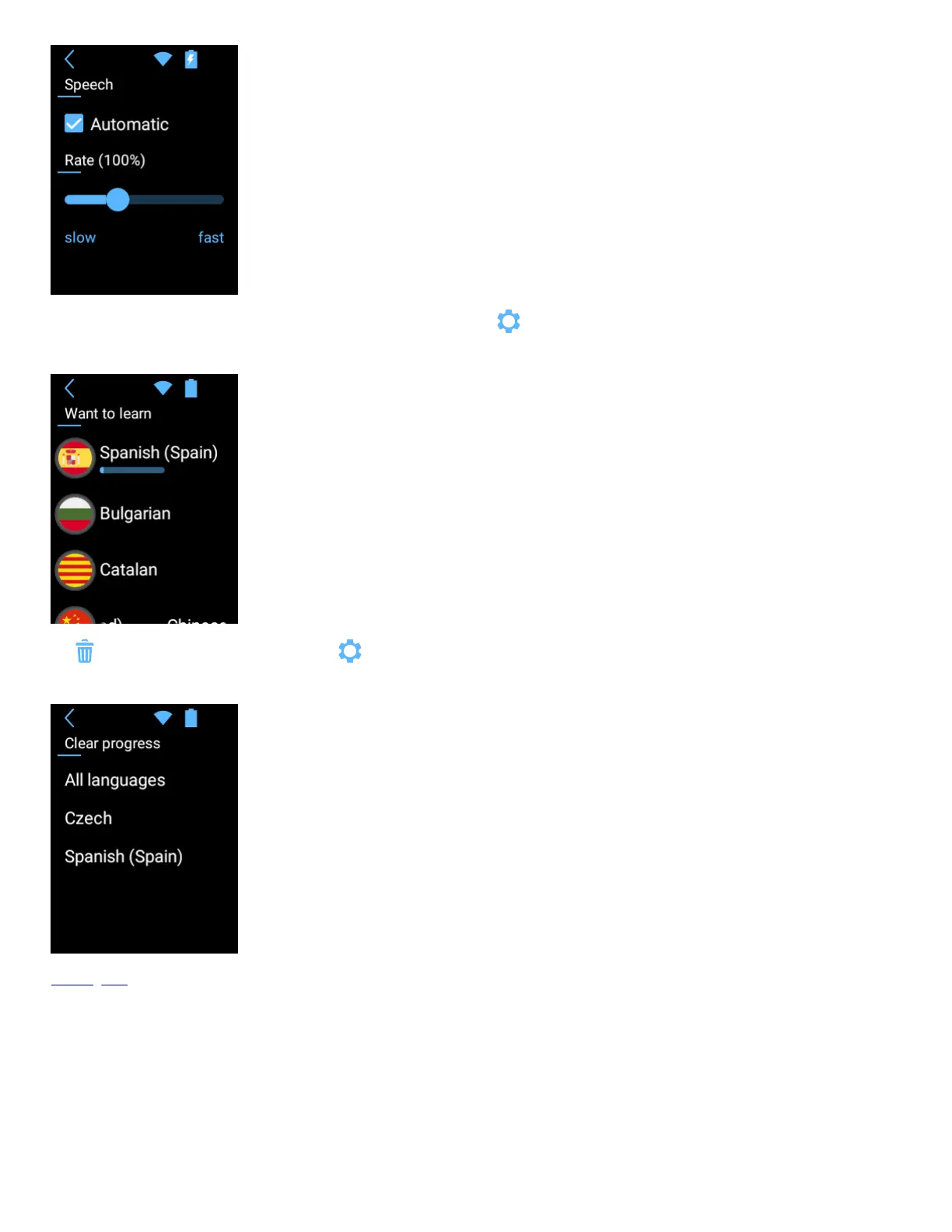
To change the language you want to learn, tap “Language” from the application settings .
Scroll the list and tap the flag to select the language.
Tap “Clear progress” from the application settings . to delete learning progress.
You can clear progress for all languages or only for selected ones.
Learning card
The upper left corner shows the total number of words in the lesson and the number of the current word.
The upper right corner of the learning shows the category icon.
The word to remember appears in the middle.


 To Next Page