13 - VB3i Bluetooth Pairing
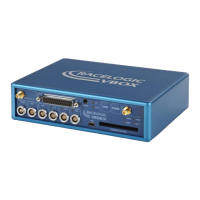
The VBOX 3i comes equipped with a Bluetooth radio allowing configuration of the VBOX remotely along with remote
output of real-time VBOX 3i serial data, at the full 100 Hz data rate, to any Bluetooth capable PC or Data logger.
The VBOX 3i will need the Bluetooth antenna connected and the computer will require a Bluetooth module or dongle to
establish a virtual connection.
VBOX 3i will connect to the computer via SPP (serial port profile) this can be done as a secure or unsecure connection.
Note: Pairing code for secure connection is 1234.
Notes on connecting to a Windows 8 PC can be found here.
https://en.racelogic.support//Product_Info/VBOX_Data_Loggers/VBOX_3i_Range/VBOX_3i_User_Guide_(All_Variants)/13_-
_VB3i_Bluetooth_Pairing
91


 To Next Page