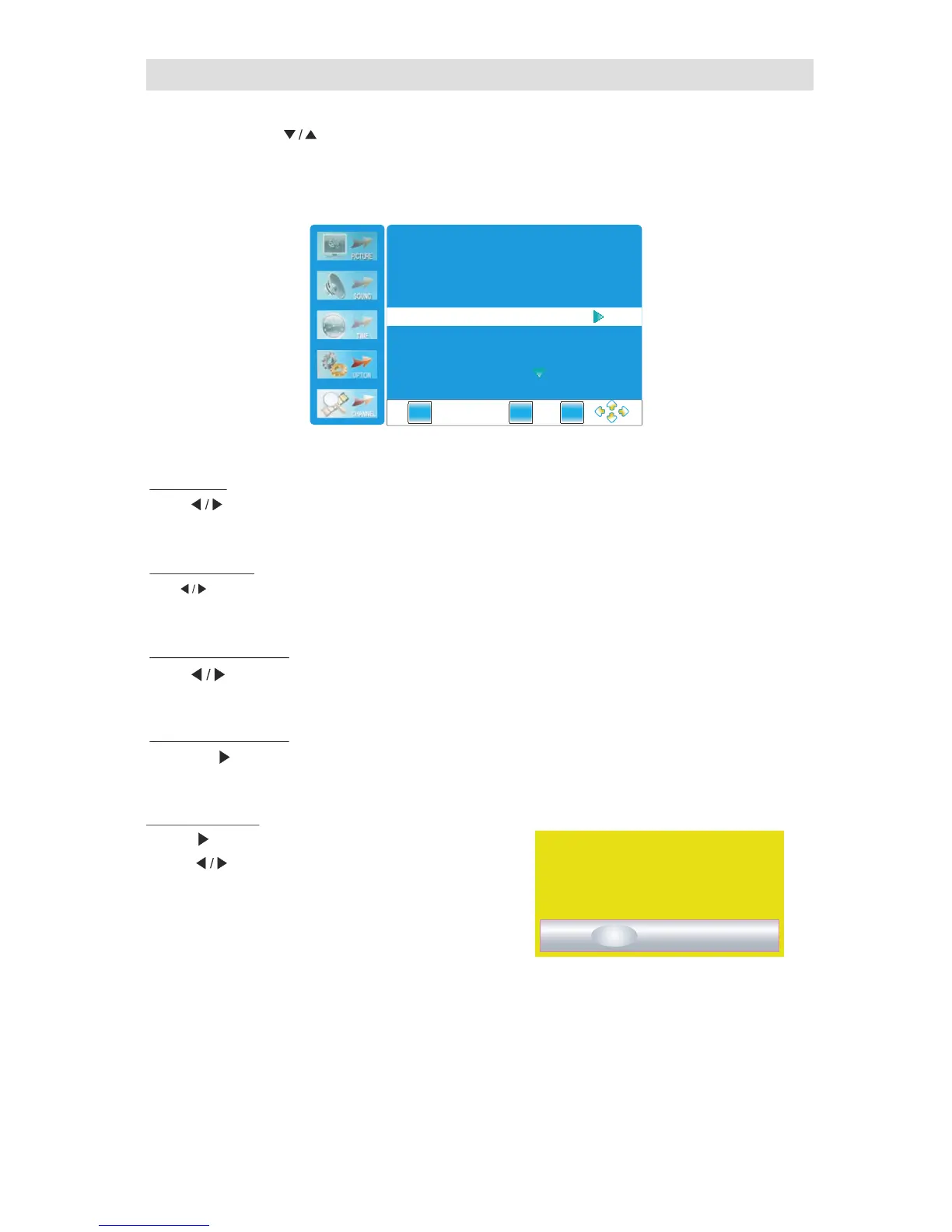
Option Menu
Press " MENU"
and buttons to select the Option Menu.
" "
Press
" "
or ENTER button to enter the submenu.
▼
Lan g u ag e
Press button to select between English and Traditional Chinese.
" "
OSD Tr anspar en c y
Press button
to select among the OFF
, 25% , 50% , 75% and 100% paramenters." " " " " " " " " "
" "
So f t w ar e Updat e
Press the button or ENTER button for software update." "
(Note:No professionals,please do not easily use this function.)
Fac t o r y Def au l t
Press button to select yes/no, and press ENTER
Press MENU button to return.Press EXIT button to exit.
" " " "
button to confirm.
" "
Press" "button to POP-UP dialogue menu.
39
OSD
Ti m e Out
Press button to select among the" ","5 ""10 ",OFF SEC SEC
" "
"15 ","20 ","30 ","45 " "60 " .SEC SEC SEC SEC and SEC Paramenters
EXIT
MENU
ENTE R
Language
English
OSD Time Out 10秒
OSD Transparency
25 %
Restore Factory Default
Software Update
Are you sure?
Yes
No



 To Next Page