Movie
NEXT
REV.
Press "NEXT"button to sk ip the forw ard music.
Press "REV."button to fast reve rse amongx 2,x4,x8,an dx16 modes.
FWD.
STOP
EXIT
Press "FWD."button to fas t forw ard amongx2,x4 ,x8 andx16 modes.
Press "STOP"bu tton to stop and ret urn .
Press "EXIT"button to exit,an d then can select to vi ew the photo at the same time.
PAUSE
PLAY
PREV.
Press "PAUSE"button to pause the playing music.
Press "PLAY"bu tton to play the music.
Press "PREV."button to skip the ba ckward music.
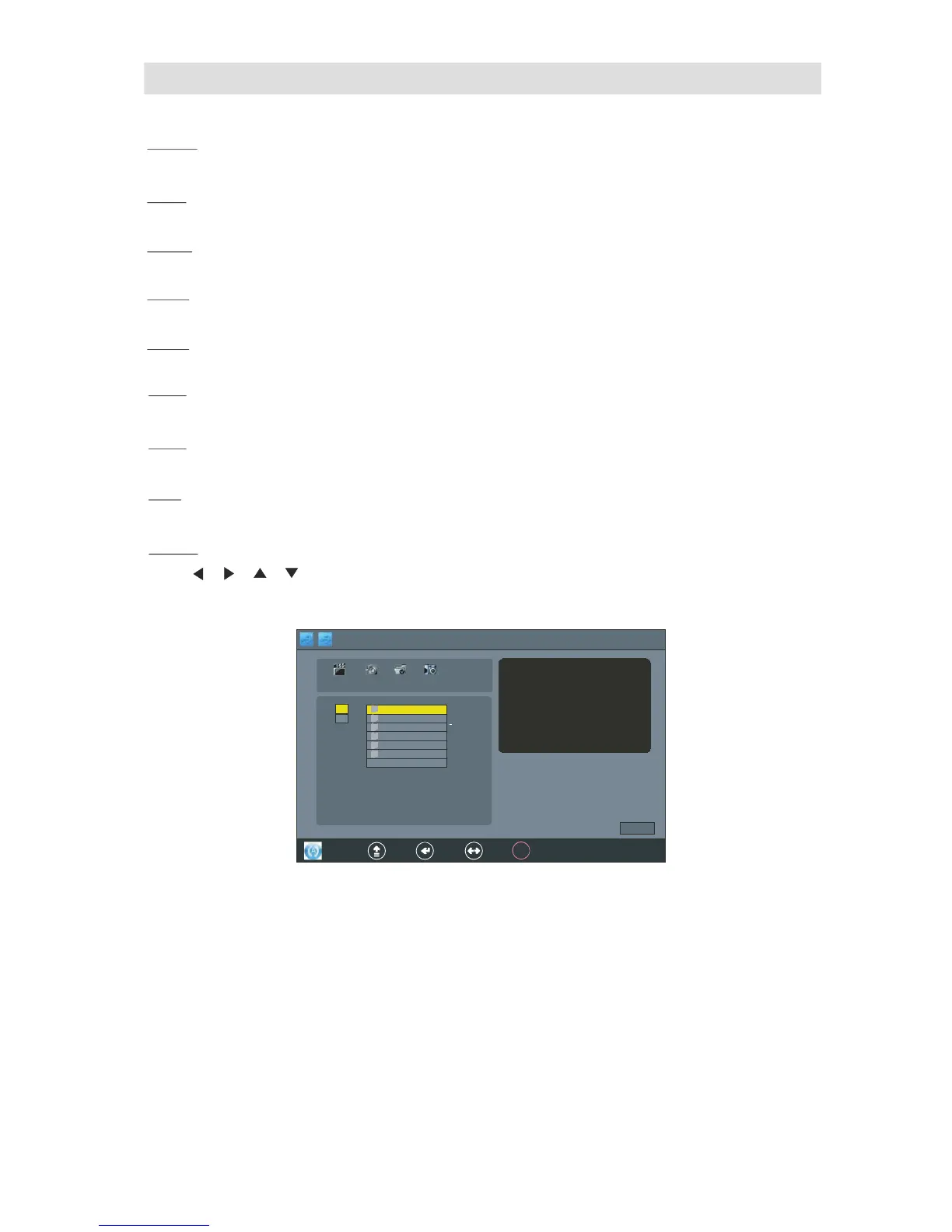
MOVIE
Press , , , bu tton to se lect the"MOVIE",Press "OK"bu tton into the"MOVIE"interface.
as foll ow display :



 To Next Page