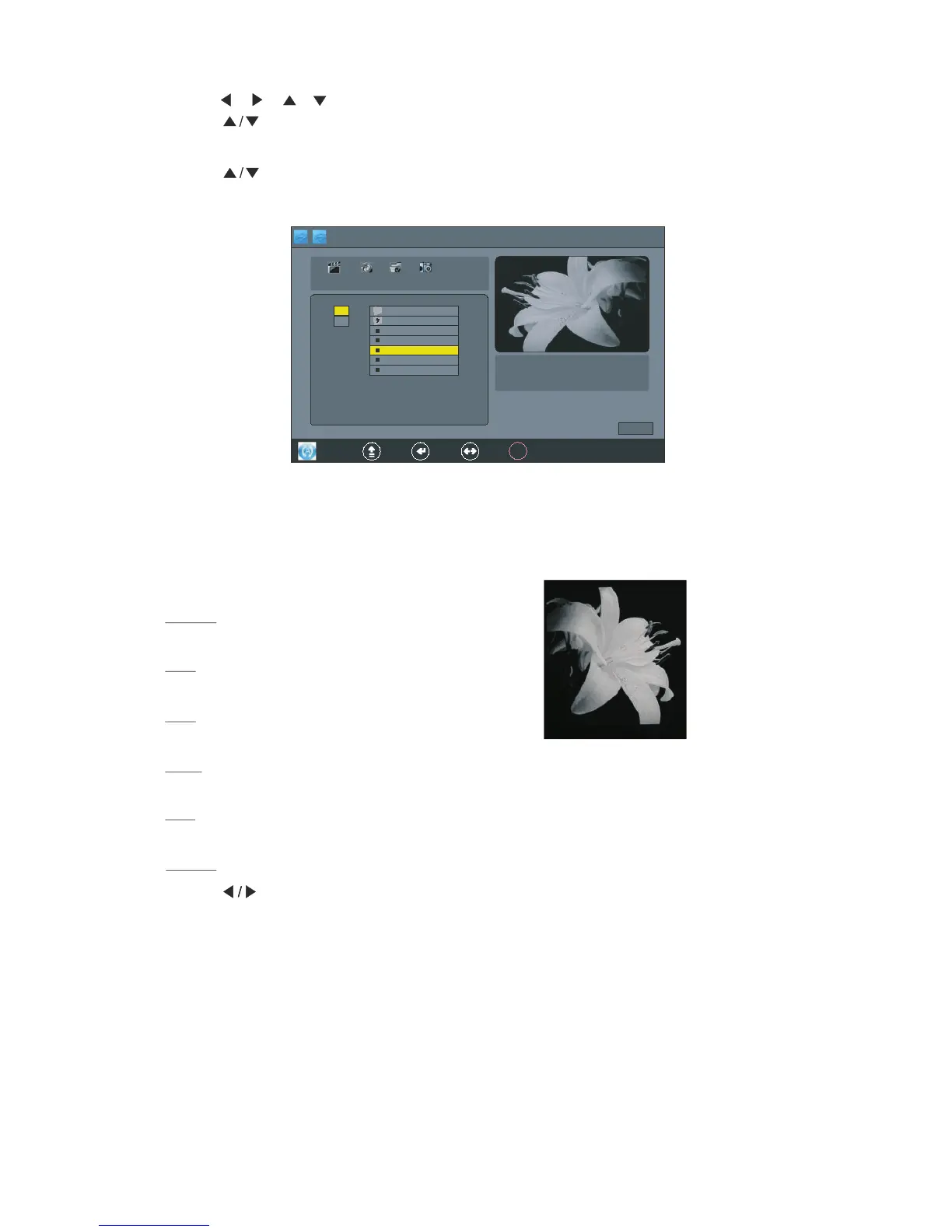
4.P ress button to pre view the photo,as foll ow display:
5.P ress ENTER button to select the photo, Press it again to unselect.
" "
3.Press , , , button to se lect the files,an d
Press ENTER button to oper the file, and
Press button to select the photo,Press ENTER button to confirm, Press it again to
unselect the photo.
" "
Pause
Play
Stop
Next
Exit
Press"PAUSE" button to pause playing the photo.
Press"PLAY"button to play the selected photo.
Press"STOP"button to stop and return.
Press"NEXT"or"PREV."button to skip to view the photo which are selected the photo.
Press"EXIT"button to exit.
6.P ress PLAY button to the photo,as foll ow display:" " play
" "" "
1.P ress button to selec t the"MUSIC",as foll ow display :
Music



 To Next Page