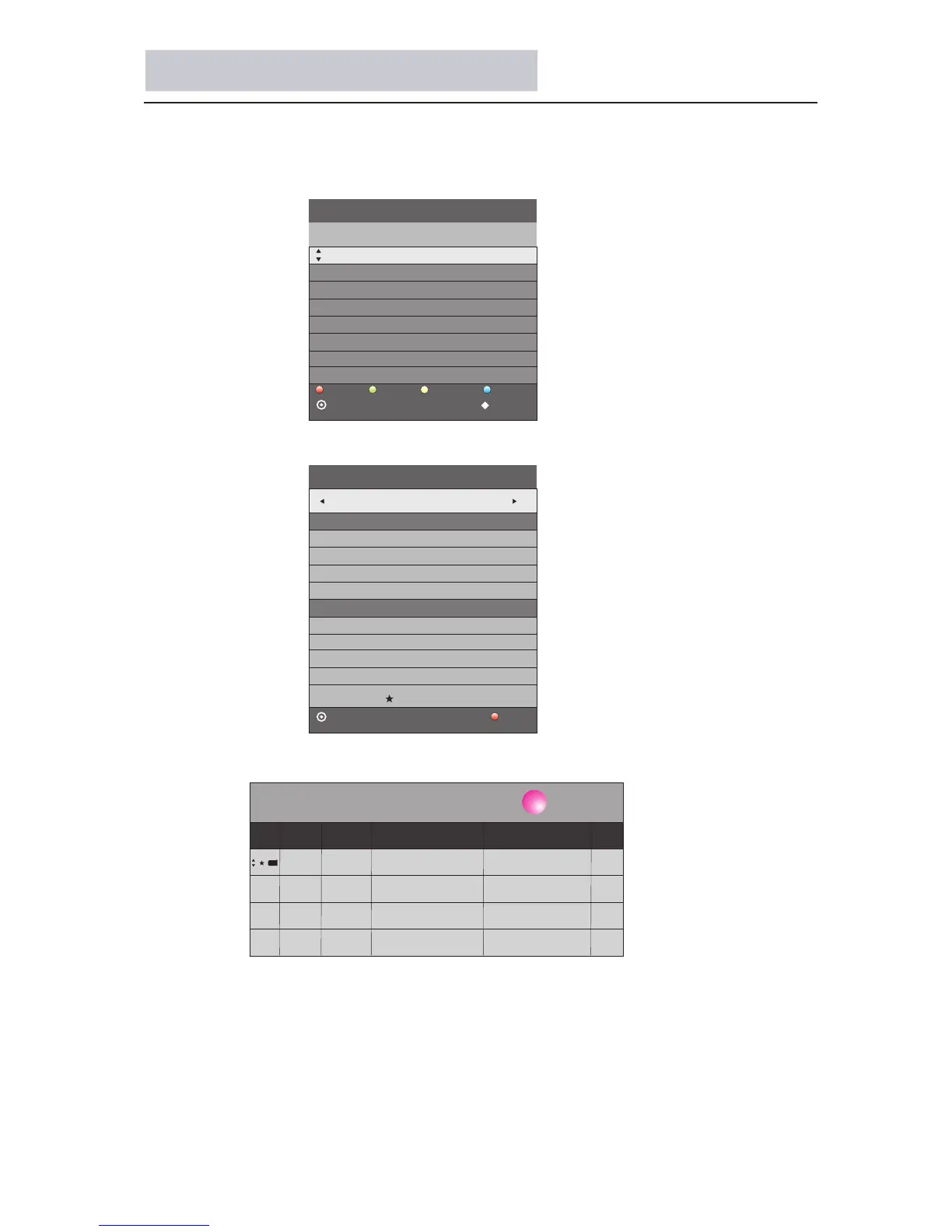
Set EPG record task
1.In DTV mode, press EPG button to show programme list within 7 days.
2.Press
▲▼ buttons to select programme, press REC button to enter recording
page:
3.When in recording page, press button to enter recording task list:yellow
4.When in recording page, press ENTER button will add a new task to recording
task list.
32
19:00 ce 十一月 2 008 18:0 4
On
11
01/JAN 00:32
800 NO Information
PROGRAMME GUIDE TIME
schedule
info.
reminder
OK
INDEX
record
01/1月 00:07
Start Time
RECORDER
OK
BACK
- 800 +
30 Minute
00 Hour
Jan Month
01 Date
40 Minute
00 Hour
End Time
Mode AUTO
Schedule List 00:03 01th Jan Delete
Time Date
Programme Title
Channel Name
00:34-01:04 Tue.01/Jan No Information 800
Jan Month
01 Date
Standby Record (Only in DTV mode)



 To Next Page