35 / 58
Press and hold the button for 2 seconds until the LED Indicator will
light.
The VD
i-S Remote Control is now in Learning Mode.
Step 3:
Press the button you want to programme (the
for example) and the
LED Indicator flashes slowly.
Step 4:
Press and hold the corresponding button on your TV remote control (the power
button in this case) until the LED Indicator turns on.
Step 5:
Repeat steps 3 and 4 for each button you want to programme.
Step 6:
When finish programming the VD
i-S Remote Control, press the button
once to exit Learning Mode.
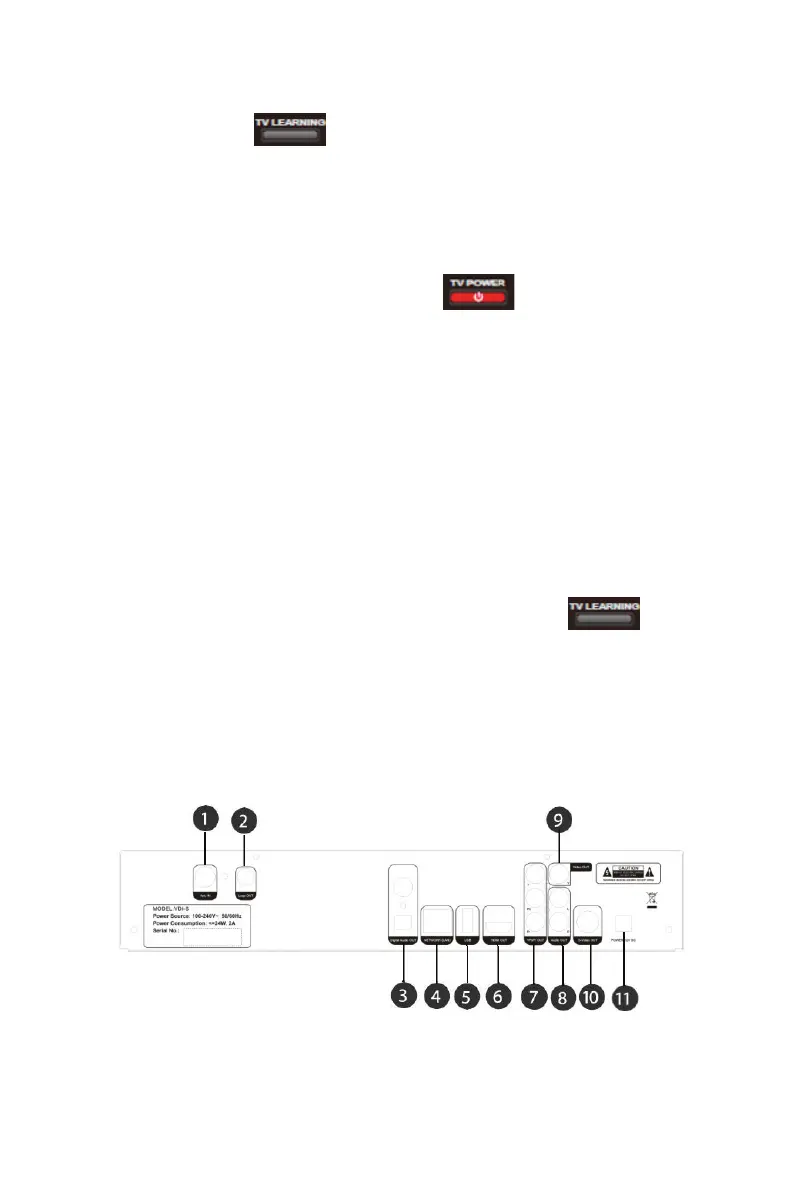
2.3 Rear Panel


 To Next Page