46 / 58
● Stop Recording.
●
Close EPG Interface.
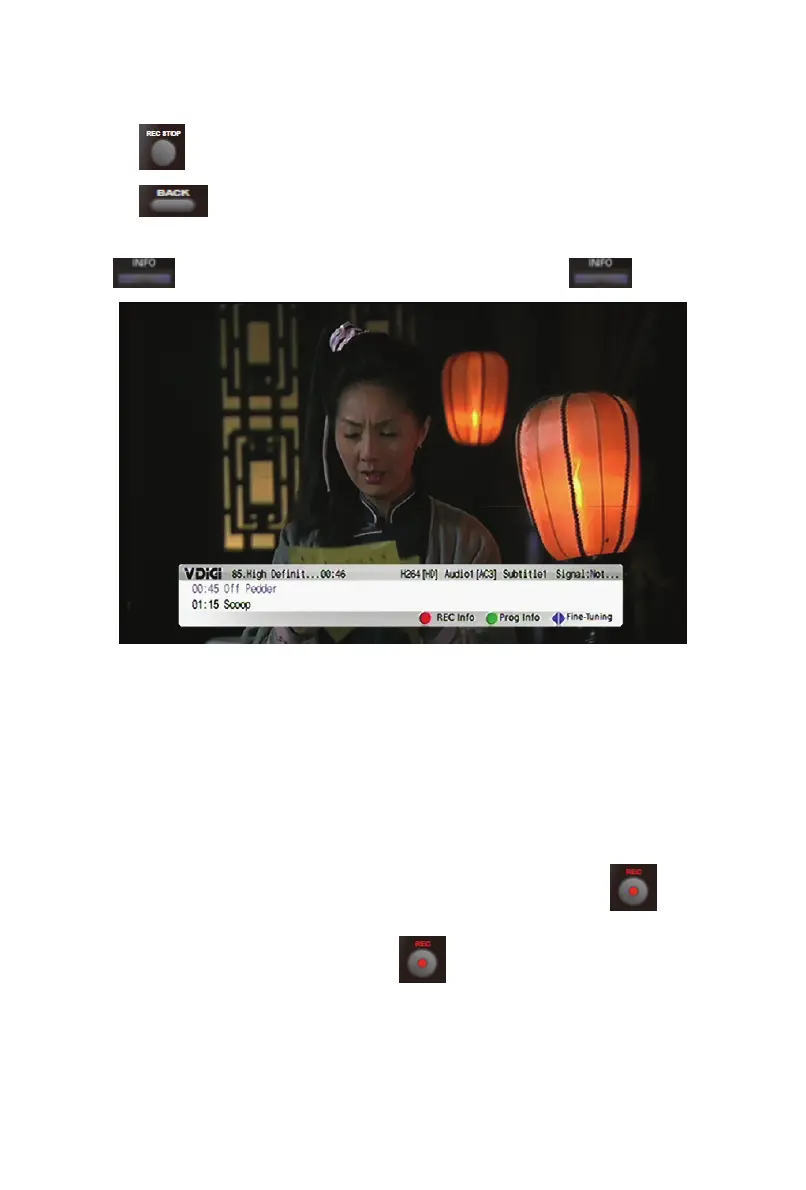
5.1.3 Channel Information
To view the current programme information, press .
5.2 Recording
With VDi-S, you can easily record a programme by Instant recording, adding
Scheduled Recording task on Main Menu or EPG Menu.
5.2.1 Instant Recording
To record the programme currently being viewed, simply press .
Various options will be displayed, press
again will record the current
programme directly.


 To Next Page