42 / 58
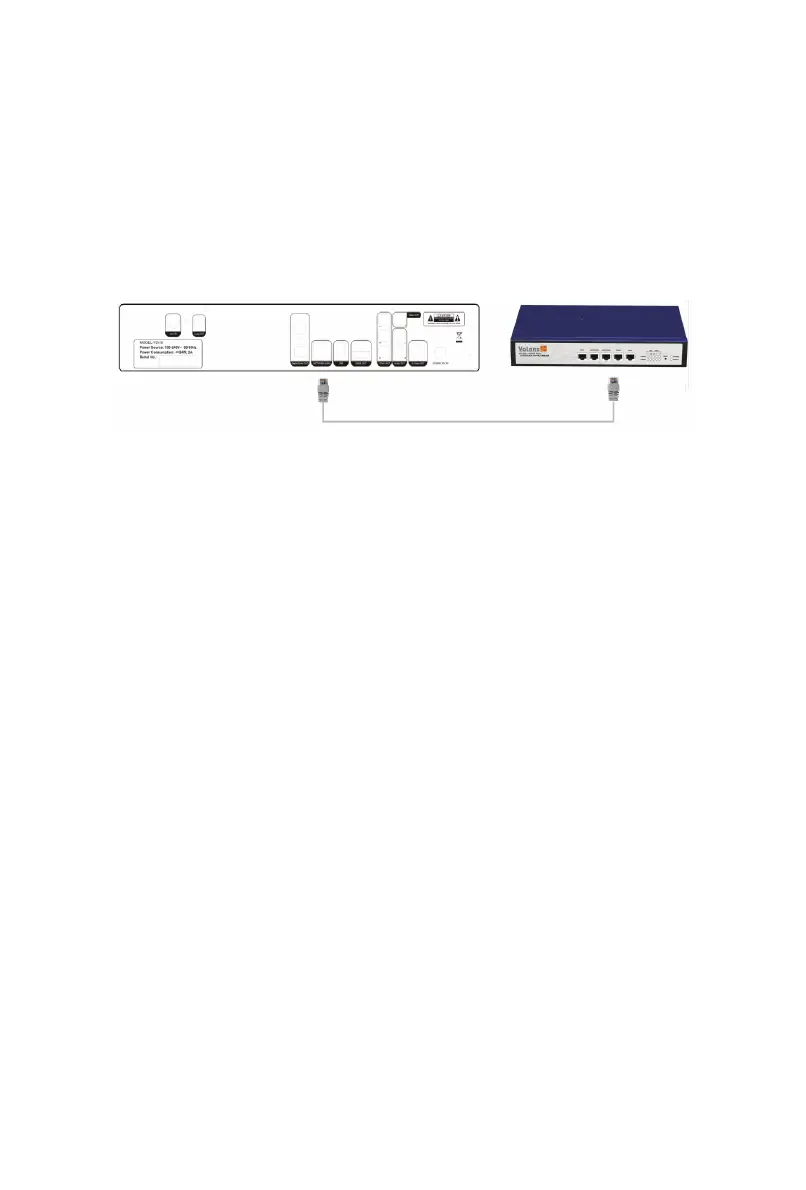
Network Connection for Interactive Services
Some of the features present in the new MHEG-5 Interactive Services
broadcasts require an internet connection (competition entries, voting, subscribing
and purchasing for example). An existing Ethernet Network is needed. Simply use
a CAT-5 cable to connect the Network Port of VD
i-S to the network router or hub.
3.9 Power Connection
Connect the power cable to the suitable A.C. power socket and plug 12V
D.C. power into VD
i-S. Do not unplug or cut off power supply or before all the
connections are made.
4. Initialization and Configuration
Simple configuration is required upon VDi-S’s startup to ensure smooth
operation. Configuration sequences are shown below.
4.1 Language Setting
Select the preferred language and the interface language will change
immediately according to the setting.
4.2 Channel Scanning
Channel scanning starts right after language setting. This can be done by


 To Next Page