51 / 58
Press “BACK” upon the confirmation of modifications.
5.2.5 Other Reminders for Recording
z Checking the Recording Devices
5 Minutes before Instant and Scheduled Recording, VD
i-S will automatically
check the settings of recording device. If there is an absence of recording device,
a message will appear asking you to insert the necessary device or cancel the
Recording.
z Remove HDD
To prevent any damages to VD
i-S or the HDD itself, unload the HDD before
removing the internal or external HDD.
z Format HDD
HDD formatting is required upon the first use.
5.2.6 Play Program
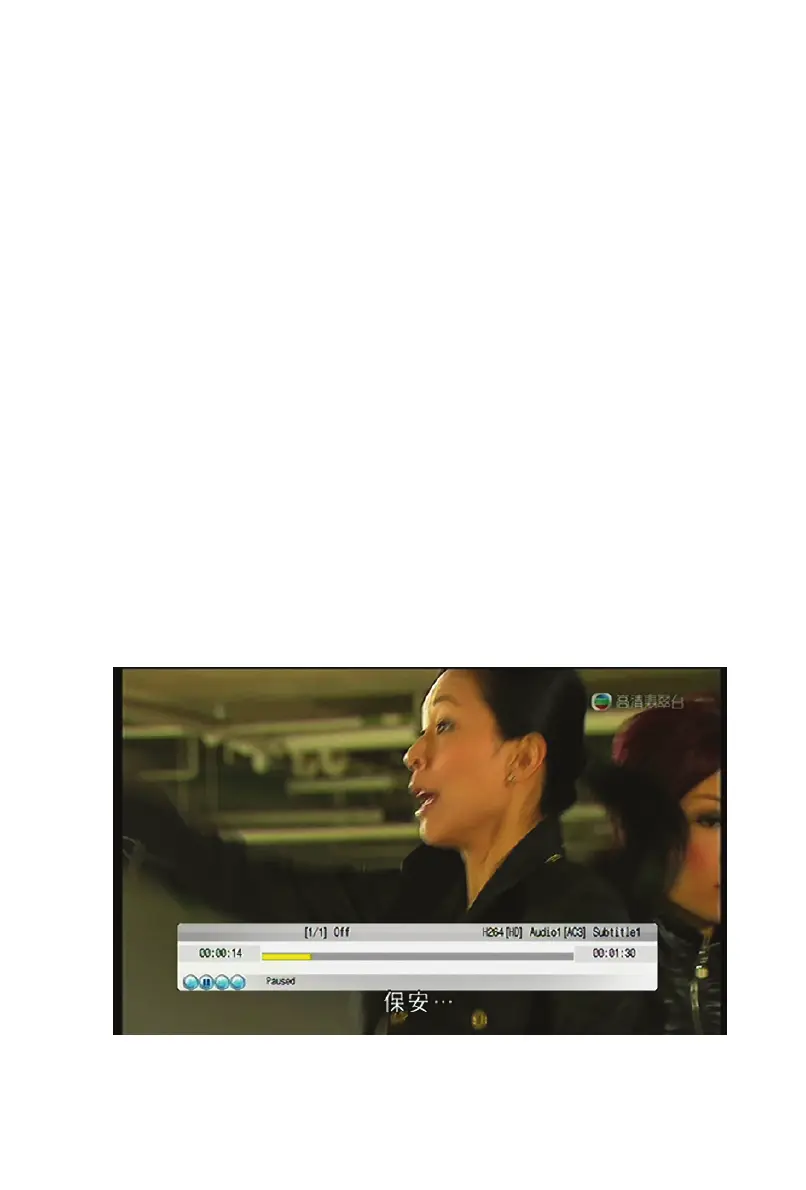
Main Menu > Play Program. Enter the Recording Playback interface and
select a recorded programme you wish to play.


 To Next Page