47
BIKETPC
SET
ALTI
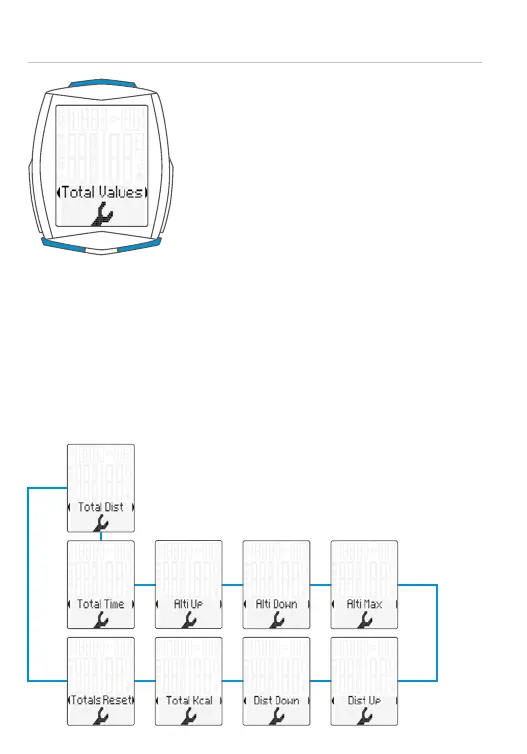
Setting the total values
– Open the settings menu:
Press and hold the SET button until the
settings menu opens
– Scroll from Memory to Settings:
Press the BIKE or TPC button
– Open the settings menu: press the
SET button
– Scroll to Total Values in the menu:
Press the BIKE or TPC button
– Open the settings: press the SET button
– Scroll to the total values in the
settings: Press the BIKE or TPC button
– Open the selected setting:
Press the SET button
– Change the setting: Press the BIKE or
TPC button
– Confirm your selection: Press the
SET button
– Close the settings menu/back to the
function menu: press and hold the
SET button
ATTENTION: all data is retained when the
battery is replaced.



 To Next Page