EasyManua.ls Logo

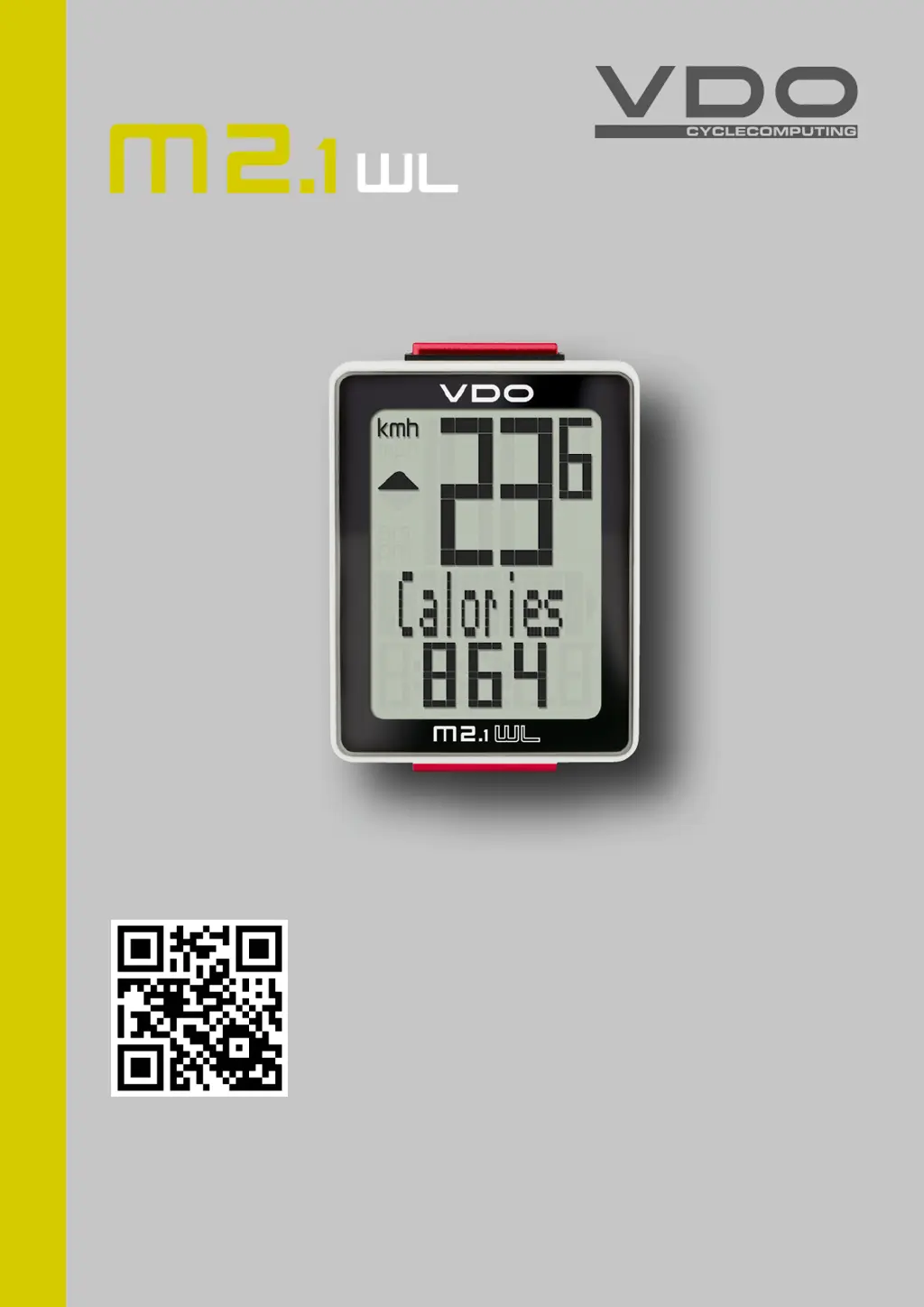
VDO M2.1 WL - User Manual

VDO M2.1 WL
29 pages
Print Icon
To Next Page IconTo Next Page
Loading...
1
M2.1 WL
www.vdocyclecomputing.com/service
ENGLISH
Installation video
Operating video
Settings video

Questions and Answers

  • K
    Karen EwingAug 7, 2025
    Why is no speed displayed on my VDO Bicycle Accessories?
    • E
      ewashingtonAug 7, 2025
      If your VDO Bicycle Accessories computer isn't displaying speed, several factors could be at play. First, ensure that the distance between the sensor and the magnet isn't too great and correct their positions. Confirm that the computer is properly clicked into the handlebar bracket. Also, make sure the wheel circumference is correctly set. Finally, check the transmitter battery and replace it if necessary.
  • M
    Melissa JohnsonAug 18, 2025
    What to do if the display becomes weak on VDO Bicycle Accessories?
    • V
      Vanessa PerezAug 18, 2025
      If the display on your VDO Bicycle Accessories is weak, the battery might be dead. Check the battery and replace it if necessary.
  • A
    Amanda WoodAug 27, 2025
    How to fix half segments on VDO Bicycle Accessories display?
    • D
      David SalazarAug 27, 2025
      If you see half segments on the display of your VDO Bicycle Accessories, especially after a battery change, it might be due to the computer software not running correctly. Try removing and re-inserting the battery to resolve this issue.

Summary

Preface

Pack contents

Lists all items included in the product package to ensure completeness.

Display

Display Area Overview

Explains the three-area structure of the VDO M2.1 WL display for speed, function name, and value.

Buttons

Button Functions Explained

Describes the functions of the two buttons (BIKE and SET) on the VDO M2.1 WL device.

Functions

Current speed

Details the current speed function, including maximum speed based on wheel circumference.

Current distance

Explains the current distance tracking function, up to 999.99 km/miles, with reset behavior.

Current ride time

Describes the current ride time function, counting up to 99:59:59 HH:MM:SS.

Average speed

Explains the average speed display for the current trip.

Maximum speed

Details the maximum speed display for the current trip.

Additional Functions

Current calorie burn

Explains the current calorie burn calculation for the current trip.

Current time display

Describes how to display the current time in 24-hour or 12-hour AM/PM format.

Total distance tracking

Explains the total distance accumulated over all trips.

Total ride time tracking

Details the total accumulated ride time for all trips.

Total calorie burn tracking

Describes the total calorie burn accumulated over all trips.

Operation while cycling

Navigating Functions During Cycling

Explains how to navigate display functions while cycling using the BIKE and SET buttons.

Wireless transmission

Wireless transmission overview

Details the analogue wireless transmission, its range, and potential interference from LED lights.

Handlebar Bracket Installation

Step-by-Step Bracket Mounting

Provides step-by-step instructions for mounting the handlebar bracket for the computer.

Speed Transmitter Installation

Step-by-Step Transmitter Mounting

Guides on how to attach the speed transmitter to the bicycle fork, including magnet alignment.

Computer Mounting and Testing

Computer Mounting

Explains the twist-click system for securely attaching the computer to the bracket.

Wireless Transmission Test

Details the procedure to test if the wireless transmission between the transmitter and computer is working.

Sleep Mode and Receiver Behavior

Standby and Sleep Mode Operation

Describes the computer's standby and sleep modes to save battery and receiver activation.

Settings - Language

Language Setting

Guides users through selecting the display language for the VDO M2.1 WL.

Settings - Wheel Circumference

Wheel Circumference Measurement

Explains how to measure and set the wheel circumference for accurate readings.

Settings - Wheel Circumference Adjustment

Setting Wheel Circumference (mm;inches)

Details the steps for setting the wheel circumference in mm for KM or inches for Miles.

Settings - Wheel Circumference Finalization

Finalizing Wheel Circumference Setting

Completes the process of setting the wheel circumference and exiting the settings menu.

Settings - Unit

Unit Setting (kmh;mph)

Guides users on setting the unit of measurement for speed (kmh or mph).

Settings - Clock Format

Clock Format Setting (12 h;24 h)

Explains how to set the clock format to 12-hour AM/PM or 24-hour.

Settings - Clock Time (24 h)

Setting 24-Hour Clock Time

Details setting the time in 24-hour format, including hours and minutes.

Settings - Clock Time (12 h AM;PM)

Setting 12-Hour AM;PM Clock Time

Details setting the time in 12-hour AM/PM format, including hours and minutes.

Settings - Set Total Distance

Setting Total Distance Value

Guides on how to set the total distance ridden on the VDO M2.1 WL.

Settings - Set Total Ride Time

Setting Total Ride Time Value

Explains how to set the total ride time for all trips.

Settings - Total Ride Time Finalization

Finalizing Total Ride Time Setting

Completes setting the total ride time and exiting the settings menu.

Settings - Set Total Calorie Burn

Setting Total Calorie Burn Value

Guides on how to set the total calorie burn for all trips.

Resetting Trip Data

Resetting Trip Data After Trip

Explains how to reset daily trip data (distance, time, calories, speeds) to zero.

Low Battery Warning

Low Battery Indicator

Describes the low battery warning and how to acknowledge it.

Computer Battery Replacement

Replacing the Computer Battery

Provides instructions for replacing the battery in the VDO M2.1 WL computer.

Speed Transmitter Battery Replacement

Replacing the Speed Transmitter Battery

Guides on how to replace the battery in the speed transmitter annually.

Terms of Guarantee

Guarantee Policy and Claims

Details the 2-year guarantee, coverage, exclusions, and requirements for claims.

Customer Support and Contact Information

Provides contact numbers, email, and website for technical assistance and service.

Troubleshooting Guide

Troubleshooting Common Errors

Lists common errors, their possible causes, and suggested corrections for the VDO M2.1 WL.

Technical Specifications

Device Technical Data

Provides detailed technical data for the computer, transmitter, and ranges.

Product Disposal

Correct Disposal of Electronic Waste

Instructs users on the proper disposal of the electronic device according to regulations.

Regulatory Compliance

EU Declaration of Conformity

States the product's compliance with essential requirements of the R&TTE Directive.

FCC and IC Compliance Statements

Details compliance with FCC Rules and Industry Canada licence-exempt RSS standards.

VDO M2.1 WL Specifications

General IconGeneral
BrandVDO
ModelM2.1 WL
CategoryBicycle Accessories
LanguageEnglish

Related product manuals