EasyManua.ls Logo

VDO M5 - User Manual

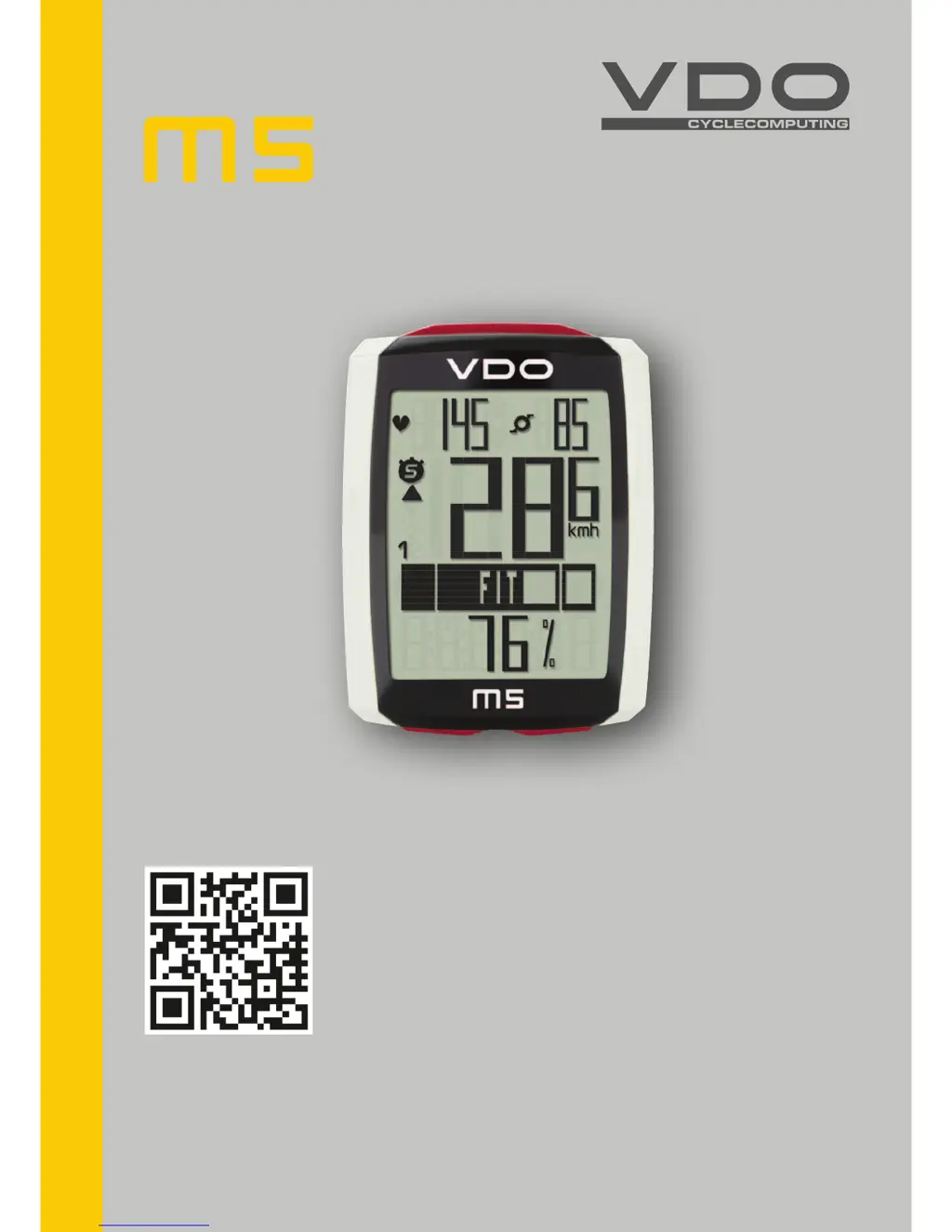
VDO M5
61 pages
Print Icon
To Next Page IconTo Next Page
Loading...
www.vdocyclecomputing.com/service
ENGLISH
Installation video
Operating video
Settings video

Other manuals for VDO M5

Questions and Answers

  • Q
    qkellerAug 2, 2025
    Why is no speed displayed on my VDO M5 Bicycle Accessories?
    • K
      Kathy MartinezAug 2, 2025
      If your VDO Bicycle Accessories computer isn't displaying speed, several factors could be at play. First, ensure the distance from the sensor to the magnet isn't too great, and that the magnet is correctly aligned with the sensor. Next, verify the computer is properly clicked into the handlebar bracket. Also, check that the wheel circumference is correctly set and not set to zero. Finally, the transmitter battery might be dead, so try replacing it.
  • F
    fbrooksAug 8, 2025
    What to do if no heart rate is displayed on VDO M5?
    • B
      Brian StephensAug 8, 2025
      If your VDO Bicycle Accessories computer isn't displaying your heart rate, there are a few things to check. First, make sure you've selected the heart rate sensor in the sensor selection area. Next, ensure the heart rate sensor has been paired by activating it and correctly positioning the heart rate chest belt on your body, then insert the computer into the handlebar bracket until the heart rate symbol flashes. Lastly, the battery in the heart rate chest belt might be dead, so try replacing it.
  • J
    Jane RomanAug 13, 2025
    Why is the display weak on my VDO M5?
    • J
      Jacob GonzalezAug 13, 2025
      If the display on your VDO Bicycle Accessories is weak, it likely means the battery is running low. Check the battery and replace it if necessary.
  • C
    Courtney GilbertAug 19, 2025
    How to fix no cadence being displayed on VDO Bicycle Accessories?
    • S
      Steven BowmanAug 19, 2025
      If your VDO Bicycle Accessories computer isn't displaying cadence, ensure the cadence sensor has been paired. Activate the cadence sensor and insert the computer into the handlebar bracket until the cadence symbol flashes to indicate pairing. Also, the battery in the cadence transmitter might be dead, so try replacing it.
  • G
    ginaandersonAug 26, 2025
    What to do if there are half segments on the VDO M5 Bicycle Accessories display?
    • D
      dominique58Aug 26, 2025
      If you see half segments on the display of your VDO Bicycle Accessories, especially after a battery change, it could be due to the computer software not running correctly. Try removing and re-inserting the battery to resolve this.

Summary

Button Functions

SET Button Operation

Details the functions of the SET button in different modes.

TPC Button Operation

Details the functions of the TPC button in different modes.

BIKE Button Operation

Details the functions of the BIKE button in different modes.

Accessing Total Values - Option 1

Total Distance and Ride Time

How to access total distance and ride time using the TPC button.

Installation: Handlebar Bracket

Attaching Handlebar Bracket

Step-by-step guide to mounting the handlebar bracket.

Installation: Speed Transmitter

Attaching Speed Transmitter

Instructions for mounting the speed transmitter and spoke magnet.

Installation: Computer Mounting

Inserting Computer into Bracket

Step-by-step guide for securely attaching the computer to the bracket.

Settings: Wheel Circumference

Measuring Wheel Circumference

Step-by-step guide to accurately measure wheel circumference.

Settings: Wheel Size Selection

Manual vs. Tyre List Selection

Options for setting wheel size: manual entry or tyre list.

Settings: Wheel Size (Manual Entry)

Manual Wheel Size Input

Detailed steps for manually inputting wheel circumference in millimeters.

Settings: Wheel Size (Tyre List)

Selecting Tyre Size from List

How to select wheel size from the pre-defined tyre list.

Settings: My Data

Personal Data Input (Age, Weight, Gender)

Steps to input personal data for heart rate zone calculation.

Settings: My Data (HR Zones)

Setting Heart Rate Limits

How to set HR max, FIT, and FAT zone limits.

Setting the Navigator

Navigator Count Direction

How to select whether the navigator counts forwards or backwards.

Setting Navigator Distance Value

Steps to input the starting distance for the navigator.

Navigator Input and Reset

Entering Navigator Distance

Detailed steps for inputting the navigator's distance value.

Resetting Navigator to Zero

How to reset the navigator's distance counter to zero.

Resetting Trip Data

Resetting Trip Section Counter

How to reset the section distance and section time data.

Resetting Tour Data

How to reset current trip data (distance, speed, etc.).

Activating Heart Rate Option

Enabling Heart Rate Sensor

Guide to activating the heart rate function in the settings menu.

Selecting Heart Rate Zones

Training Zones: FAT, FIT, OWN

Details the three heart rate training zones and how to select them.

Activating Cadence Option

Enabling Cadence Sensor

Guide to activating the cadence function in the settings menu.

Battery Status and Replacement

Battery Status Indicator

How the device indicates low battery levels.

Replacing Computer Battery

Step-by-step guide for replacing the computer's battery.

Troubleshooting Guide

Common Errors and Solutions

Lists common errors, their possible causes, and corrective actions.

VDO M5 Specifications

General IconGeneral
BrandVDO
ModelM5
CategoryBicycle Accessories
LanguageEnglish

Related product manuals