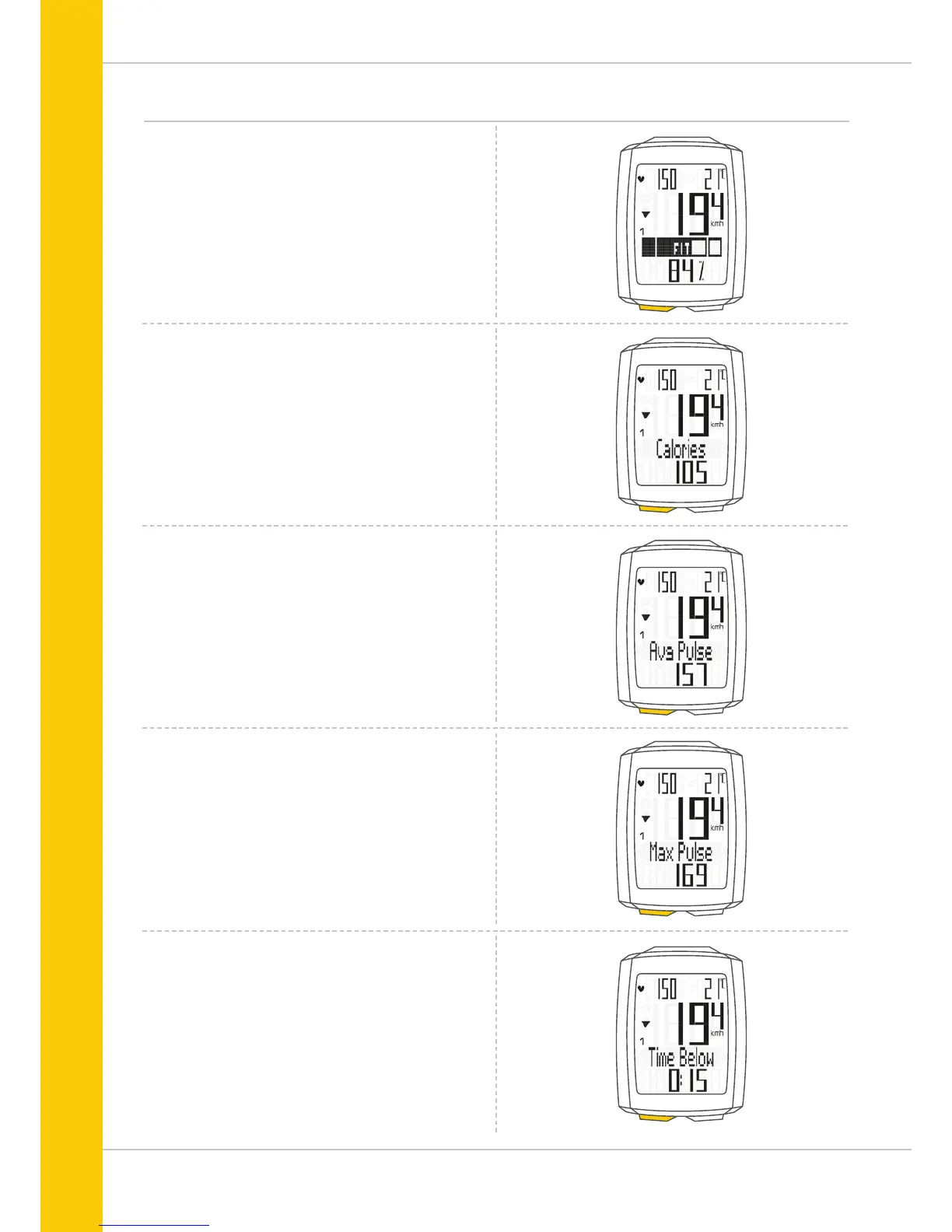
Functions in the heart rate option
If the heart rate option is activated, the heart rate functions
are accessed by pressing the TPC (TOTAL/PULSE/CAD) button.
The following functions can be sequentially accessed:
Zones graph
With the current heart rate as a percentage of the personal
maximum heart rate and an indicator of the selected training
zone (FIT/FAT/OWN).
Calories
Indicates the calories burnt on the current trip.
Average heart rate
Indicates the average heart rate on the current trip.
Maximum heart rate
Indicates the maximum heart rate on the current trip.
Time below
the selected training zone.
Indicates the time during which the current heart rate
was under the lower limit for the training zone.



 To Next Page