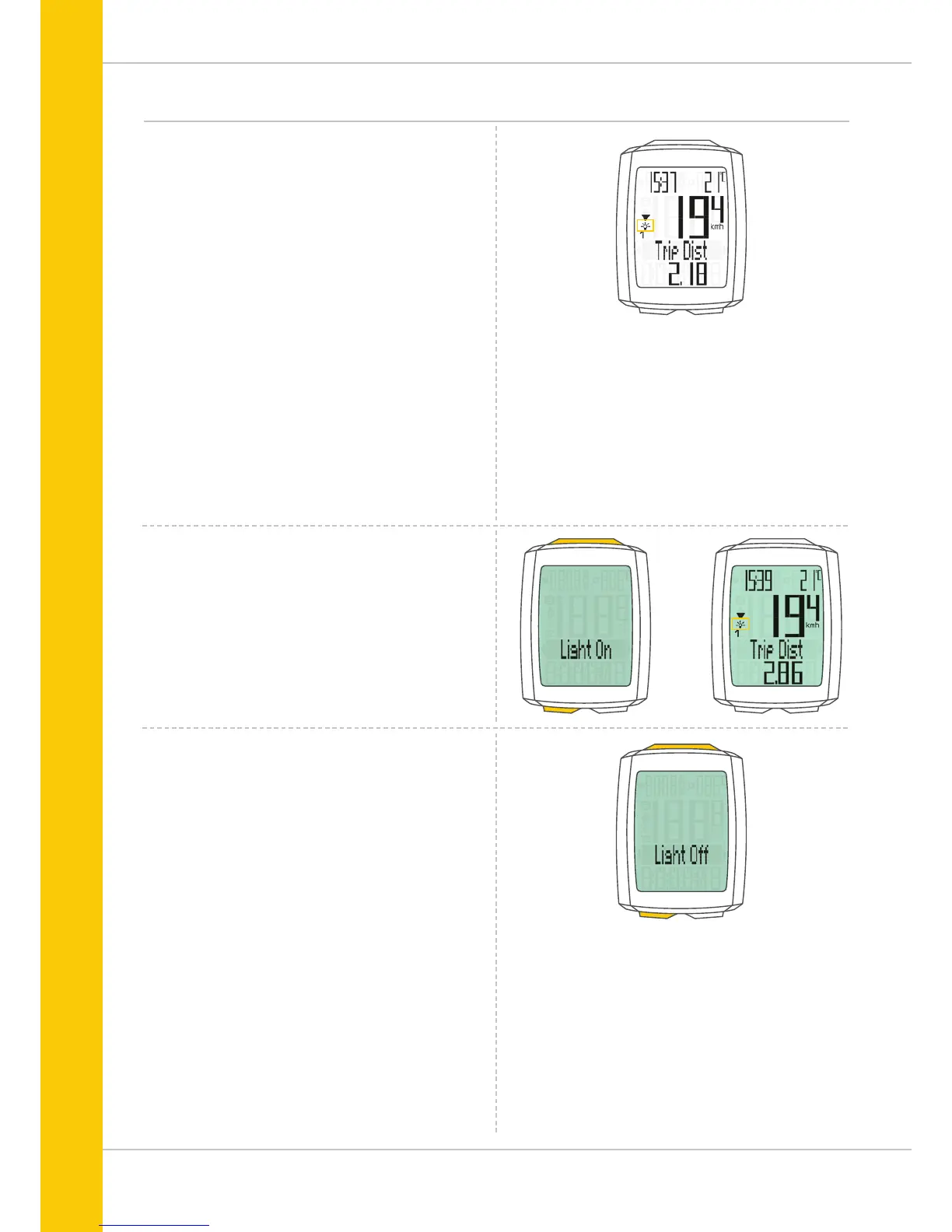
Switching the backlight mode on or off
The M5 has a backlit display.
If backlight mode is activated, the display illuminates for
several seconds each time a button is pressed.
If backlight mode is activated, the light icon can be seen at
the top of the display.
ATTENTION: backlight mode is switched off if the M5 goes
into sleep mode, e.g. if you take a break during a trip.
This avoids unnecessary use of the battery.
How to switch ON the backlight mode:
Simultaneously press the SET and TPC buttons.
The text “Light on” and the light icon are displayed.
How to switch OFF the backlight mode:
Simultaneously press the SET and TPC buttons.
The text “Light off” is displayed and the light icon
disappears.



 To Next Page