EasyManua.ls Logo

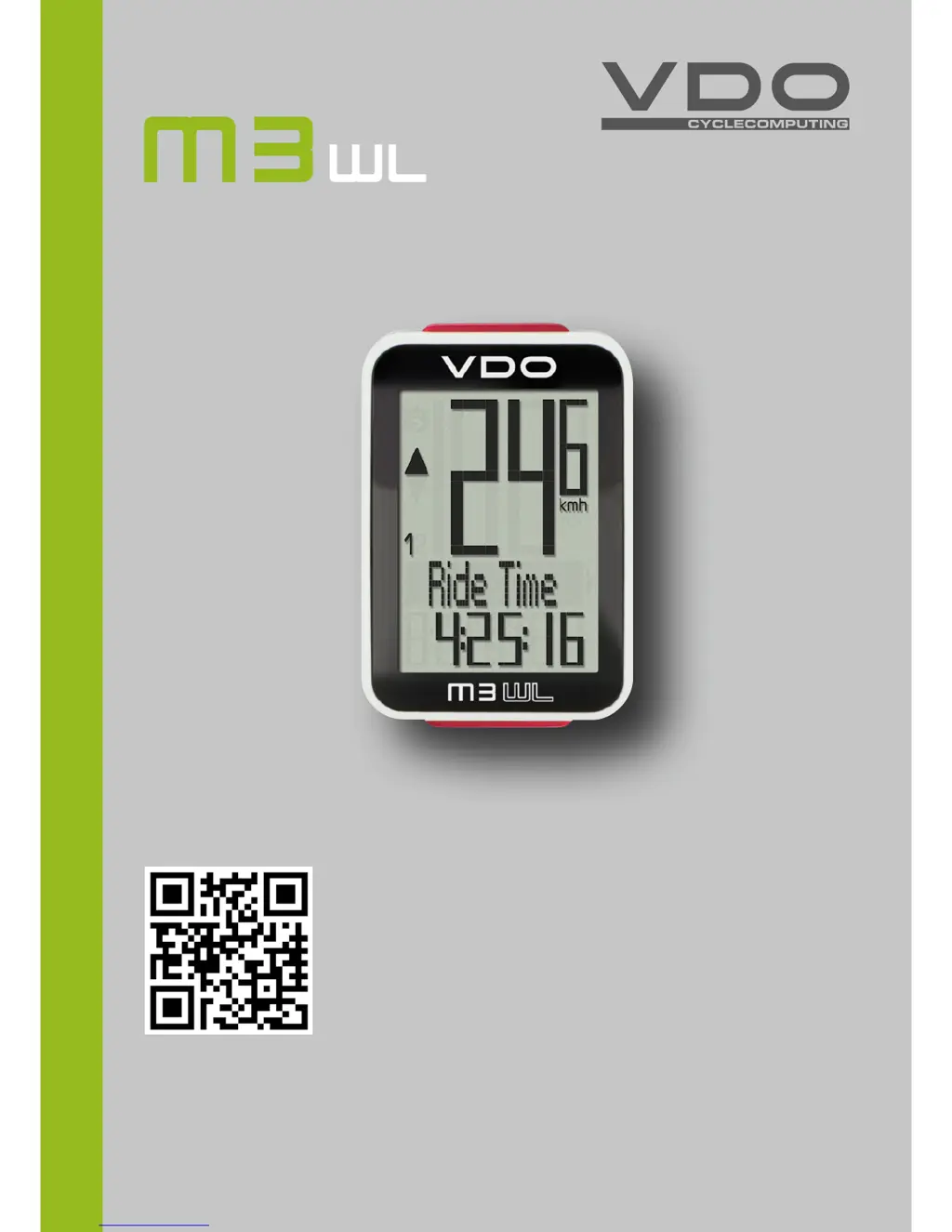
VDO M3WL - User Manual

VDO M3WL
41 pages
Print Icon
To Next Page IconTo Next Page
Loading...
www.vdocyclecomputing.com/service
ENGLISH
Installation video
Operating video
Settings video

Questions and Answers

  • B
    brandi33Jul 31, 2025
    What to do if my VDO M3WL Bicycle Accessories shows no speed?
    • K
      Kimberly HayesJul 31, 2025
      If your VDO bicycle computer isn't displaying speed, it could be due to a couple of reasons. First, check the distance between the sensor and the magnet; if it's too great, adjust their positions. Also, ensure the computer is correctly clicked into the handlebar bracket. Insert it and rotate until you hear a 'click'.
  • P
    Priscilla DoughertyAug 14, 2025
    Why does my VDO M3WL display half segments after a battery change?
    • D
      david18Aug 14, 2025
      If your VDO bicycle computer displays half segments after a battery change, it's likely that the computer software isn't running correctly. To resolve this, remove and then re-insert the battery.

Summary

Display Overview and Icons

Button Operations

Device Functions

Speed and Distance Tracking

Covers current speed, distance, average speed, and maximum speed.

Time and Section Tracking

Explains section time, section distance, and trip section counter.

Accessing Total Values

Operation While Cycling

Handlebar Bracket Installation

Bracket Mounting Procedure

Step-by-step guide on how to attach the handlebar bracket securely.

Speed Transmitter Installation

Transmitter and Magnet Alignment

Instructions for mounting the transmitter and aligning the spoke magnet.

Computer Bracket Mounting

Twist-Click System Usage

How to securely insert and remove the computer using the twist-click system.

Transmitter Pairing and Setup

Automatic Pairing Process

Explains the automatic pairing process and potential interference issues.

Bike Recognition Setup

Details how to set the bike recognition switch for BIKE 1 or BIKE 2.

Unit Settings

Wheel Circumference;Size Settings

Tyre Table and Measurement Guide

Provides a table of tyre sizes and instructions to measure wheel circumference.

Setting Wheel Size Per Bike

How to set wheel size separately for bike 1 and bike 2.

Manual Wheel Size Entry

Step-by-step guide for manually entering wheel circumference in mm or inches.

Setting Wheel Size via Tyre List

Instructions for selecting wheel size by choosing a tyre from the provided list.

Total Distance Settings

Total Ride Time Settings

Navigator Setup and Reset

Navigator Count Direction

How to choose whether the navigator counts forwards or backwards from a set value.

Setting Navigator Distance

Steps to enter the specific distance value for the navigator function.

Resetting Navigator to Zero

Instructions on how to reset the navigator function to zero.

Trip Section Counter Operation

Starting the Section Counter

Simultaneous press of BIKE and SET buttons to start the section counter.

Resetting Trip Data

Battery Status and Replacement

Speed Transmitter Battery Replacement

Troubleshooting Guide

VDO M3WL Specifications

General IconGeneral
DisplayLCD
WirelessYes
BatteryCR2032
AltimeterYes
TemperatureYes
Waterproof RatingIPX7
Mounting TypeHandlebar Mount
TypeBike Computer
FunctionsSpeed, Distance, Time
CadenceOptional
Battery LifeApproximately 1 year

Related product manuals