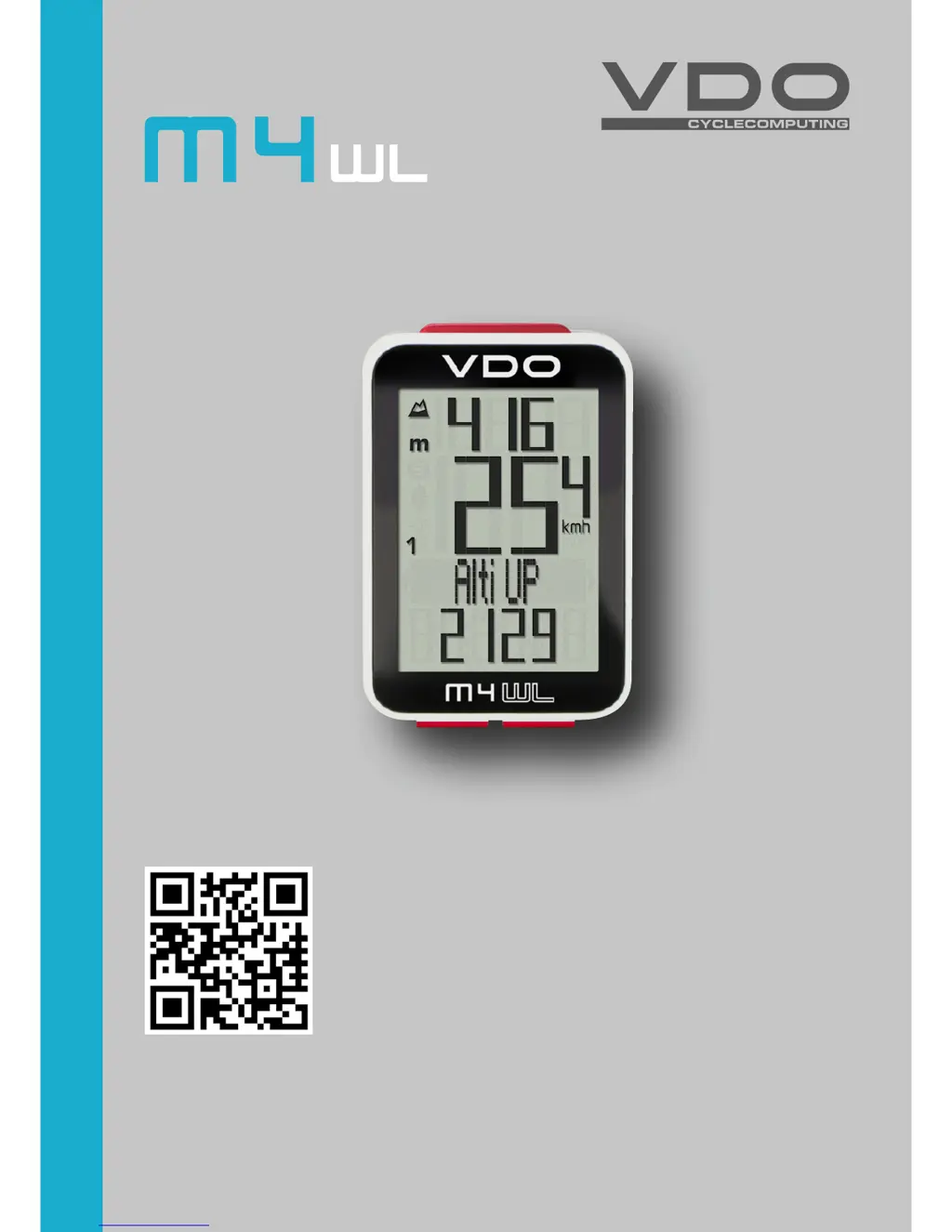
What to do if my VDO Bicycle Accessories display shows no speed?
- Llisa60Aug 1, 2025
If your VDO Bicycle Accessories display is showing no speed, the transmitter battery might be dead. Try replacing the battery in the transmitter.
What to do if my VDO Bicycle Accessories display shows no speed?
If your VDO Bicycle Accessories display is showing no speed, the transmitter battery might be dead. Try replacing the battery in the transmitter.
Why does my VDO Bicycle Accessories display no speed?
If your VDO Bicycle Accessories display is showing no speed, it might be because the wheel circumference is set incorrectly or to zero. You should set the wheel circumference to resolve this.
What to do if my VDO Bicycle Accessories is not displaying speed, and I suspect the sensor?
If your VDO Bicycle Accessories display shows no speed, check the distance from the sensor to the magnet. If the distance is too great, correct the sensor and magnet positions.
How to fix a VDO Bicycle Accessories that is not displaying speed?
If your VDO Bicycle Accessories display is showing no speed, ensure the computer is properly clicked into the handlebar bracket. Insert the computer into the handlebar bracket and rotate it as far as possible until you hear a 'click'.
Why is the display on my VDO Bicycle Accessories so weak?
If the display of your VDO Bicycle Accessories is weak, the battery might be dead. Check the battery and replace it if necessary.
What to do if my VDO Bicycle Accessories displays half segments after a battery change?
If you are seeing half segments on the display of your VDO Bicycle Accessories, especially after a battery change, it could be due to the computer software not running correctly. Try removing and re-inserting the battery.
Manages navigation, settings access, and viewing total values through various press and hold actions.
Accesses altitude-related features, manages altitude settings, and scrolls through menus.
Controls bike-specific settings, trip data resets, and navigates through different cycling functions.
Step-by-step guide for securely mounting the computer bracket onto the handlebars or stem.
Instructions for correctly mounting the speed transmitter on the bicycle fork.
Instructions for setting wheel size for accurate speed measurement.
Steps to recalibrate altitude based on air pressure or start altitudes for accurate readings.
Manages navigation, settings access, and viewing total values through various press and hold actions.
Accesses altitude-related features, manages altitude settings, and scrolls through menus.
Controls bike-specific settings, trip data resets, and navigates through different cycling functions.
Step-by-step guide for securely mounting the computer bracket onto the handlebars or stem.
Instructions for correctly mounting the speed transmitter on the bicycle fork.
Instructions for setting wheel size for accurate speed measurement.
Steps to recalibrate altitude based on air pressure or start altitudes for accurate readings.
| Wireless | Yes |
|---|---|
| Altimeter | Yes |
| Heart Rate | Optional |
| Cadence | Optional |
| Backlight | Yes |
| Display | LCD |
| Battery | CR2032 |
| Waterproof | Yes |
| Type | Bicycle Computer |
| Functions | Speed, Distance, Time, Clock |
| Mounting | Handlebar |