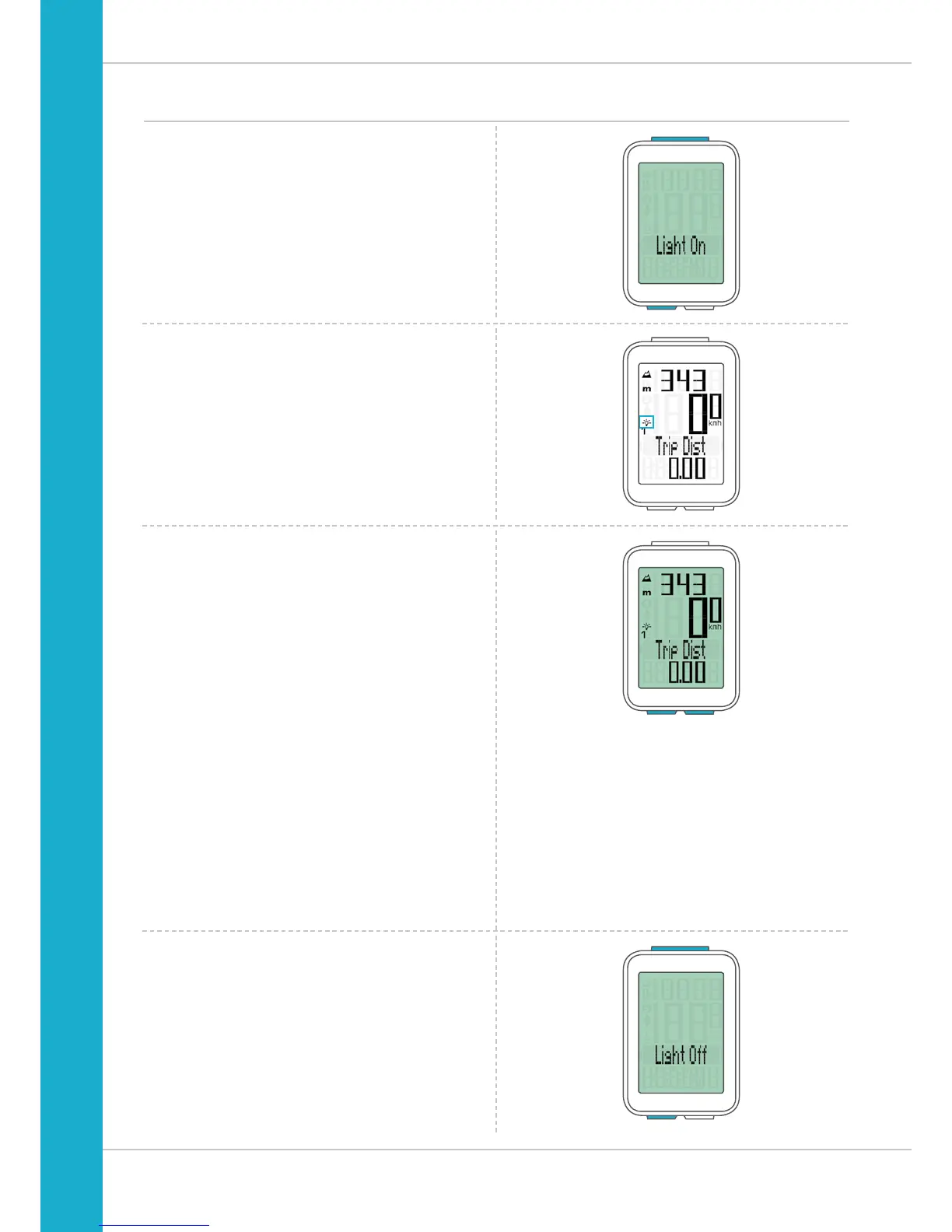
Switching the backlight mode on or off
The M4 WL has a backlit display.
To use the backlight, the backlight mode must be activated.
How to activate the backlight mode:
Simultaneously press the ALTI and SET buttons.
The backlight mode is now activated.
This is indicated by the light icon on the display.
When the backlight mode is activated, each time a button
is pressed, the display backlight illuminates for a few
seconds. Pressing the same button a second time displays
the desired function.
ATTENTION: to conserve the battery, the backlight mode is
deactivated if the M4 WL goes into sleep mode during a rest
period.
This ensures that you do not unnecessarily drain the battery
by having the backlight mode activated during the day,
for example.
You can also switch the backlight mode off again manually.
To do so, simultaneously press the ALTI and SET buttons.
The light icon disappears from the display.



 To Next Page