Making an entry based on the air pressure is practical
if you are at a location where you do not know the precise
altitude.
On the M4 WL, the sea level pressure is recalculated to the
current altitude.
Details of the sea level pressure for your current location
can be found on several weather websites.
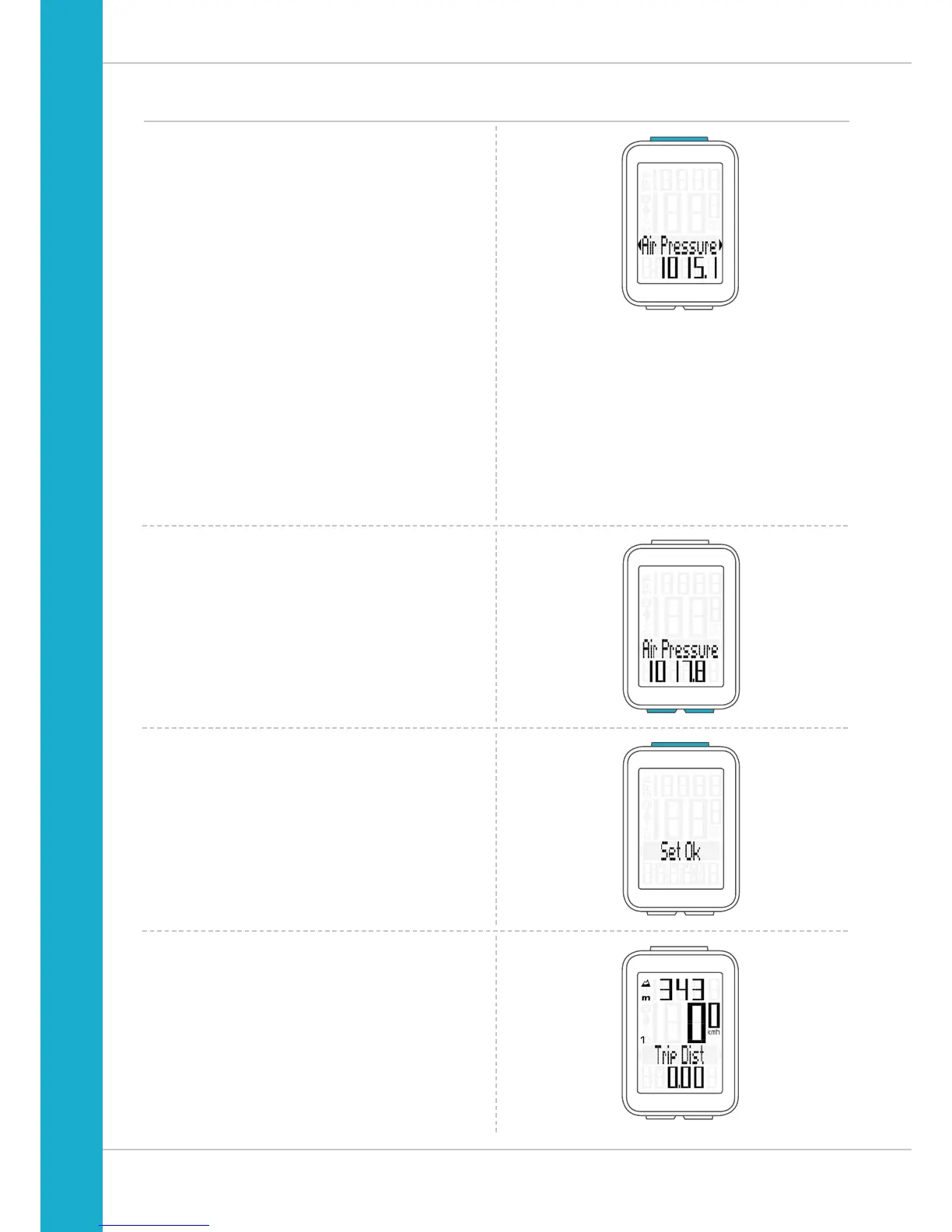
Press the SET button to select the setting for the
Air Pressure.
The setting opens.
The current sea level pressure is displayed.
Press the BIKE button to increase the value.
Press the ALTI button to decrease the value.
Once this value has been set, confirm the setting by pressing
the SET button.
The confirmation message “Set OK” appears on the display.
The new altitude is now displayed.
Recalibrating the altitude before starting



 To Next Page