Settings – language
The following display languages can be selected for
the VDO M4 WL:
– German
– English
– French
– Italian
– Spanish
– Dutch
– Polish
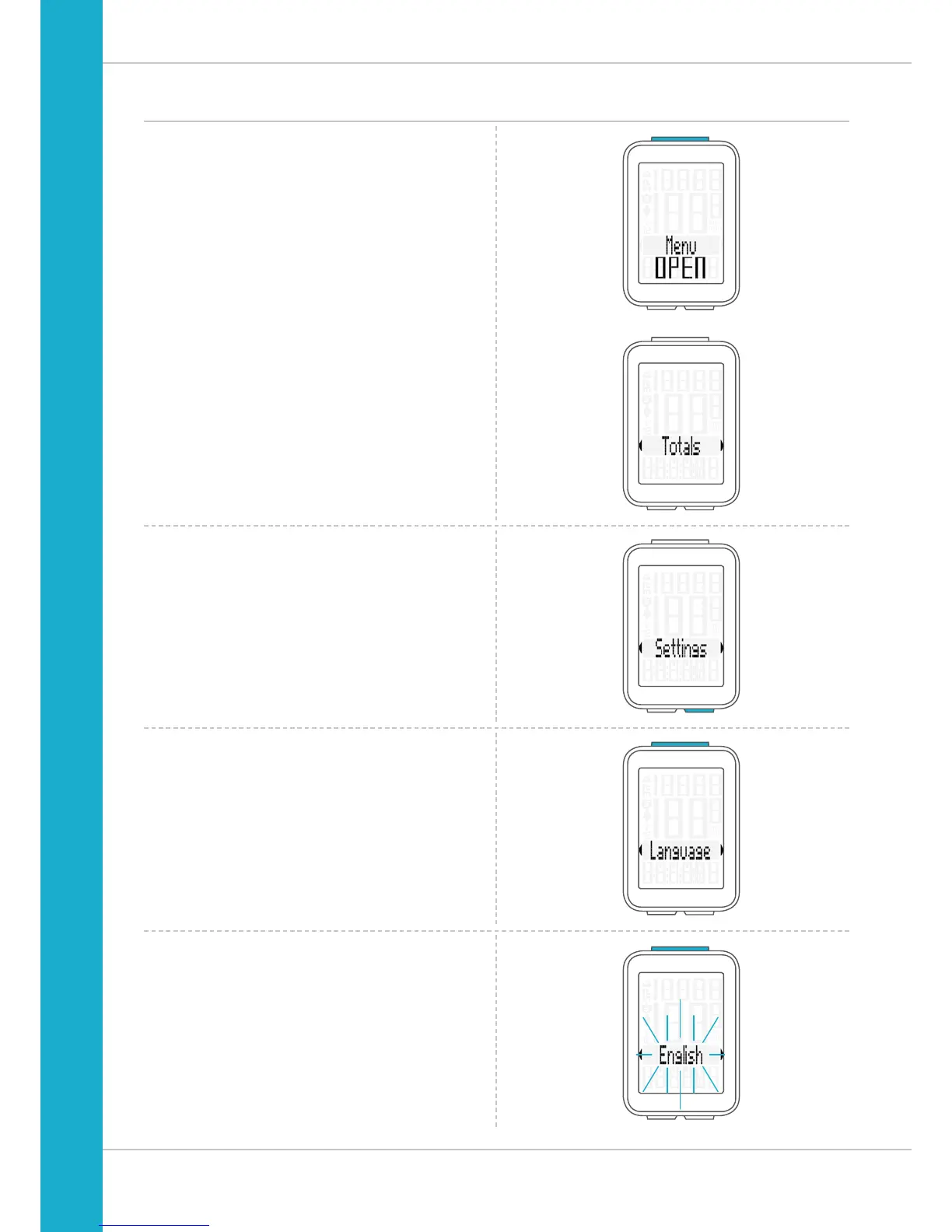
How to select a language:
Press and hold the SET button until the settings menu
opens.
The Totals (total values) first appear on the display.
Press the BIKE button to scroll to Settings.
Press the SET button to open the settings.
“Language” appears on the display.
Press SET to open the language settings.
“English” flashes.



 To Next Page