EasyManua.ls Logo

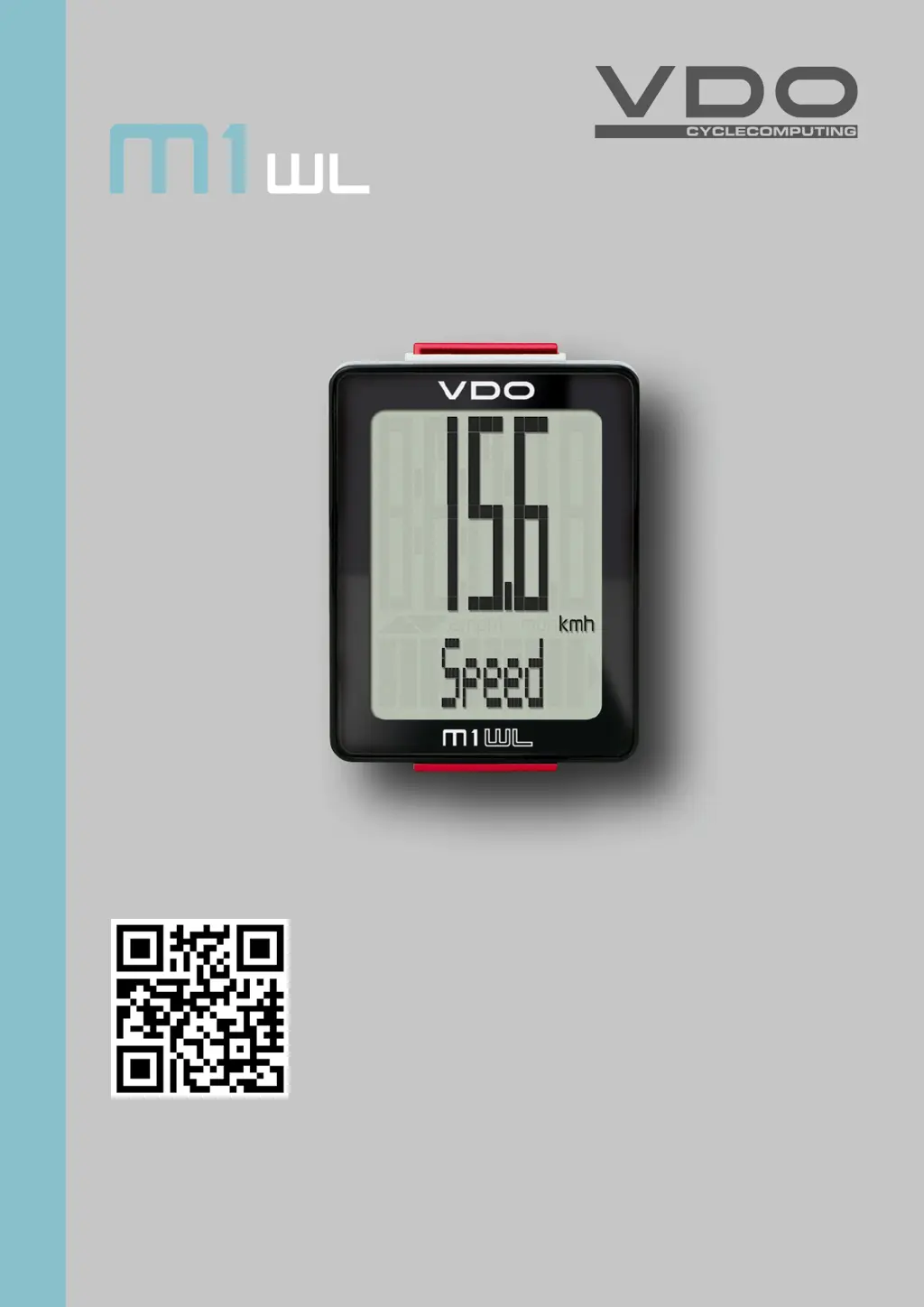
VDO M1WL - User Manual

VDO M1WL
26 pages
Print Icon
To Next Page IconTo Next Page
Loading...
1
M1 WL
www.vdocyclecomputing.com/service
ENGLISH
Installation video
Operating video
Settings video

Questions and Answers

  • E
    erika08Aug 5, 2025
    Why is no speed displayed on my VDO M1WL?
    • J
      Justin DunnAug 5, 2025
      If your VDO Bicycle Accessories device isn't showing speed, several factors could be at play. Firstly, ensure that the distance between the sensor and the magnet isn't too great; adjust their positions as needed. Secondly, confirm that the computer is correctly inserted into the handlebar bracket, rotating it until you hear a 'click'. Also, check that the wheel circumference is accurately set and not zero. Lastly, a dead transmitter battery can cause this issue, so consider replacing it.
  • J
    Justin PriceAug 15, 2025
    What to do if the display becomes weak on VDO M1WL Bicycle Accessories?
    • D
      david49Aug 15, 2025
      If the display on your VDO Bicycle Accessories is weak, the battery may be dead. Check the battery and replace it if necessary.
  • M
    Mark WalshAug 25, 2025
    How to fix half segments on the display of VDO Bicycle Accessories after battery change?
    • M
      Matthew CraigAug 25, 2025
      If you're seeing half segments on the display of your VDO Bicycle Accessories, especially after a battery change, it might be due to the computer software not running correctly. Try removing and re-inserting the battery to resolve this.

Summary

Device Display and Controls

Display Areas and Button Functions

Describes the device's display sections and button operations.

Core Device Functions

Speed, Distance, and Time Tracking

Details on current speed, distance, ride time, and total distance.

Operation While Cycling

Navigating Functions and Wireless Details

How to use buttons while riding and wireless transmission information.

Handlebar Bracket Installation

Mounting and Positioning Guide

Steps to attach the handlebar bracket and position it correctly.

Speed Transmitter Installation

Fork Mounting and Alignment

Guidelines for attaching the transmitter and aligning the magnet.

Computer Mounting and Wireless Test

Attaching Computer and Verifying Signal

Steps for mounting the computer and testing wireless transmission.

Sleep Mode and Power Management

Standby, Auto-Start, and Power Saving

How the device manages power and resumes operation.

Settings: Language

Selecting and Confirming Language

Procedure for choosing the display language.

Settings: Wheel Circumference

Measuring Roll Circumference

Methods for determining wheel circumference values by measurement.

Settings: Wheel Circumference Value

Entering the Circumference Measurement

Step-by-step guide to inputting the wheel circumference.

Settings: Unit Selection

Choosing Speed Units (km;h or mph)

How to select the desired unit for speed display.

Settings: Clock

Selecting 12-Hour or 24-Hour Format

Option to choose between AM/PM and 24-hour time display.

Settings: Speed Indicator and Total Distance

Configuring Auto-Speed Display and Total Distance

Setting auto-speed display and entering total distance.

Resetting Trip Data

Clearing Current Trip Information

How to reset distance and ride time for the current trip.

Battery Management

Low Battery Indicator and Replacement

Warning signals and procedure for replacing the computer battery.

Transmitter Battery Replacement

Replacing the Speed Transmitter Battery

Procedure for changing the battery in the speed transmitter.

Warranty and Support

Guarantee Terms and Contact Details

Information on the product guarantee and customer support channels.

Troubleshooting and Specifications

Common Errors and Solutions

Guide to resolving common operational issues.

Technical Details and Ranges

Specifications for dimensions, weight, battery, and performance.

Disposal and Compliance

Product Disposal and Regulatory Compliance

Guidance on electrical waste disposal and adherence to regulations.

VDO M1WL Specifications

General IconGeneral
BrandVDO
ModelM1WL
CategoryBicycle Accessories
LanguageEnglish

Related product manuals