5
M1 WL
1x
SET
BIKE
Operation while cycling
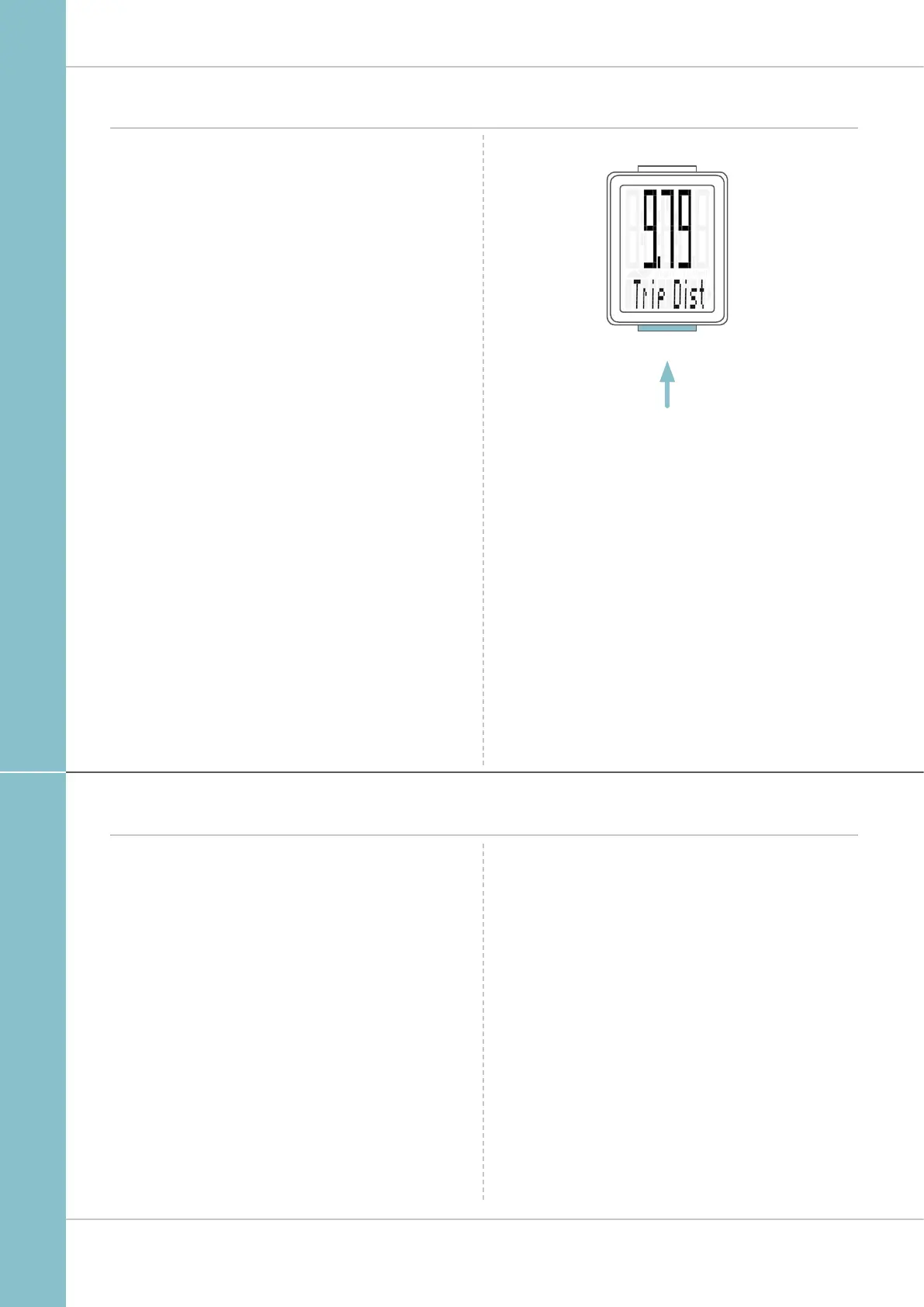
While cycling, the display functions can be accessed by
pressing the BIKE button.
Pressing the BIKE button shows the next function on the
display.
Only ONE function at a time is shown on the display.
To once again display the speed, the SET button must be
pressed.
The SETTINGS can also be used to enable the automatic
return to the speed indicator from all function displays.
See page 18: Settings – speed indicator settings
Wireless transmission of the speed
The VDO M1 WL comes with analogue wireless transmission.
The wireless range is approx. 75 cm between the transmitter
on the fork and the computer/receiver on the handlebars.
During attachment, make sure you attach the transmitter to
the left-hand fork leg if you attach the computer to the stem
or the left of the handlebar.
If you attach the computer to the right of the handlebars, you
can also attach the transmitter to the right-hand fork leg.
Note: LED front lights can interfere with analogue wireless
transmission.



 To Next Page