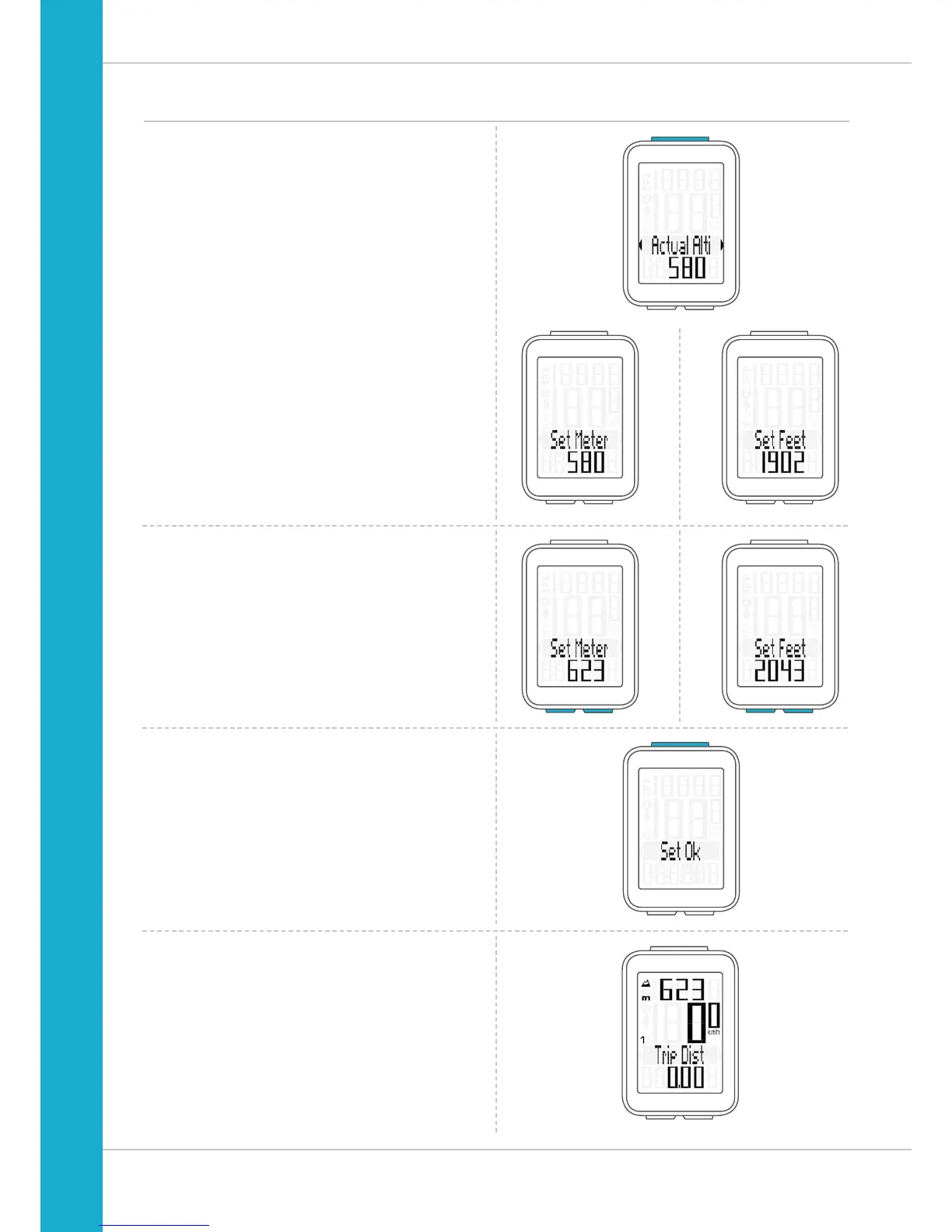
In addition to choosing between the two start altitudes,
you can also enter a value under “current altitude”.
Do this if you are not setting off from either start altitude 1 or
start altitude 2.
Press the SET button to select “Actual Alti”.
The setting opens.
Press the BIKE button to increase the value.
Press the ALTI button to decrease the value.
Once this value has been set, confirm the setting
by pressing the SET button.
The confirmation message “Set OK” appears on the display.
The newly set value for the current altitude is now displayed.
Recalibrating the altitude before starting
Set
Meter
Set
Feet



 To Next Page