55
Pairing the transmitter
– Insert the M6 computer into the handlebar bracket
– Speed indicator flashes
– If the heart rate option is activated: heart rate indicator flashes
– If the cadence option is activated: cadence indicator flashes
– Flashing display: searching for the transmitter
– Spin the front wheel: speed is found and displayed
– Spin the foot pedal: cadence is found and displayed
– Put on the heart rate transmitter: heart rate is found and displayed
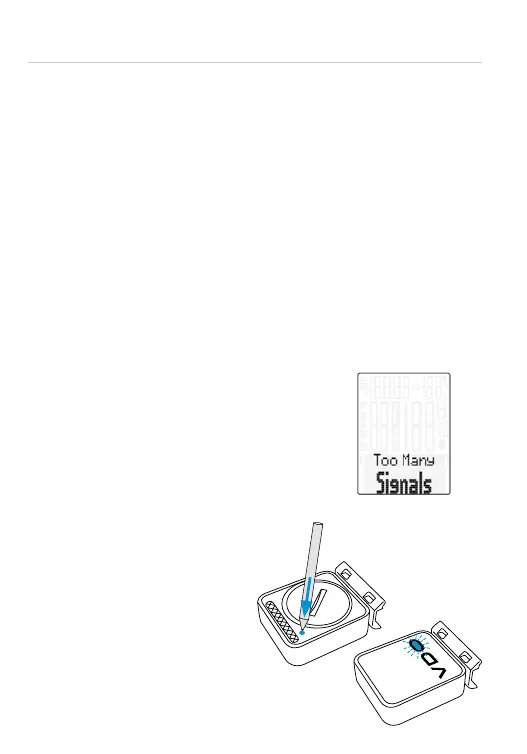
ATTENTION: When other radio signals interfere during the pairing function,
the display shows the message “Too Many Signals”.
Confirm this message by pressing any key. You will then need to leave
this location and move to another location. Untwist the computer from the
handlebar bracket. Then reinsert the computer into the handlebar bracket.
The computer will now attempt another pairing.
Potential source of interference:
– LED lights
– Mobile telephone
– GPS receiver
– WLAN
– Anti-theft security systems inside the store
These sources can interfere with the pairing.
ATTENTION: when using the transmitter
for the first time, the bike recognition
switch must be set to either BIKE 1 or
BIKE 2. Only then will the automatic
bike recognition work.
Press and HOLD the button
until the LED flashes.
Green flashes once = bike 1 is selected
Red flashes twice = bike 2 is selected



 To Next Page