14
SECURITY
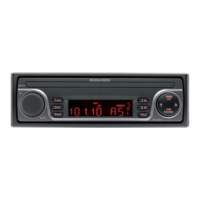
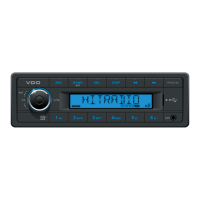
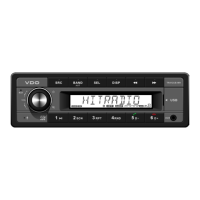
Removing the Front (fi g. L - N)
Press the REL button, to release the front.
Push the front lightly to the left side and pull
the front towards you.
Take the detachable front with you when you
leave your vehicle.
Keep the front in the provided protective
case.
Inserting the Front
Take the front from its protective case.
Align the front against the left-side hinge of
the headunit.
Push the front lightly against the left-side
hinge and insert the front into the headunit
until it clicks into position.
Close the front until it clicks into position.
1.
2.
3.
4.
1.
2.
3.
4.


 To Next Page