15
English
FRONT PANEL AND REMOTE CONTROL
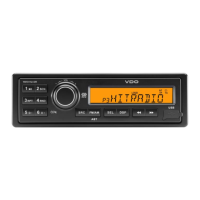
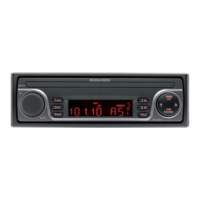
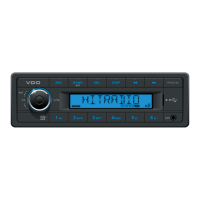
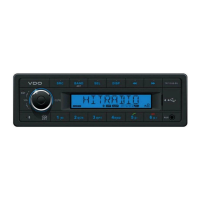
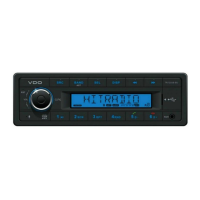
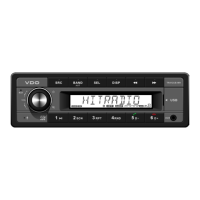
Refer to fi gures A and B.
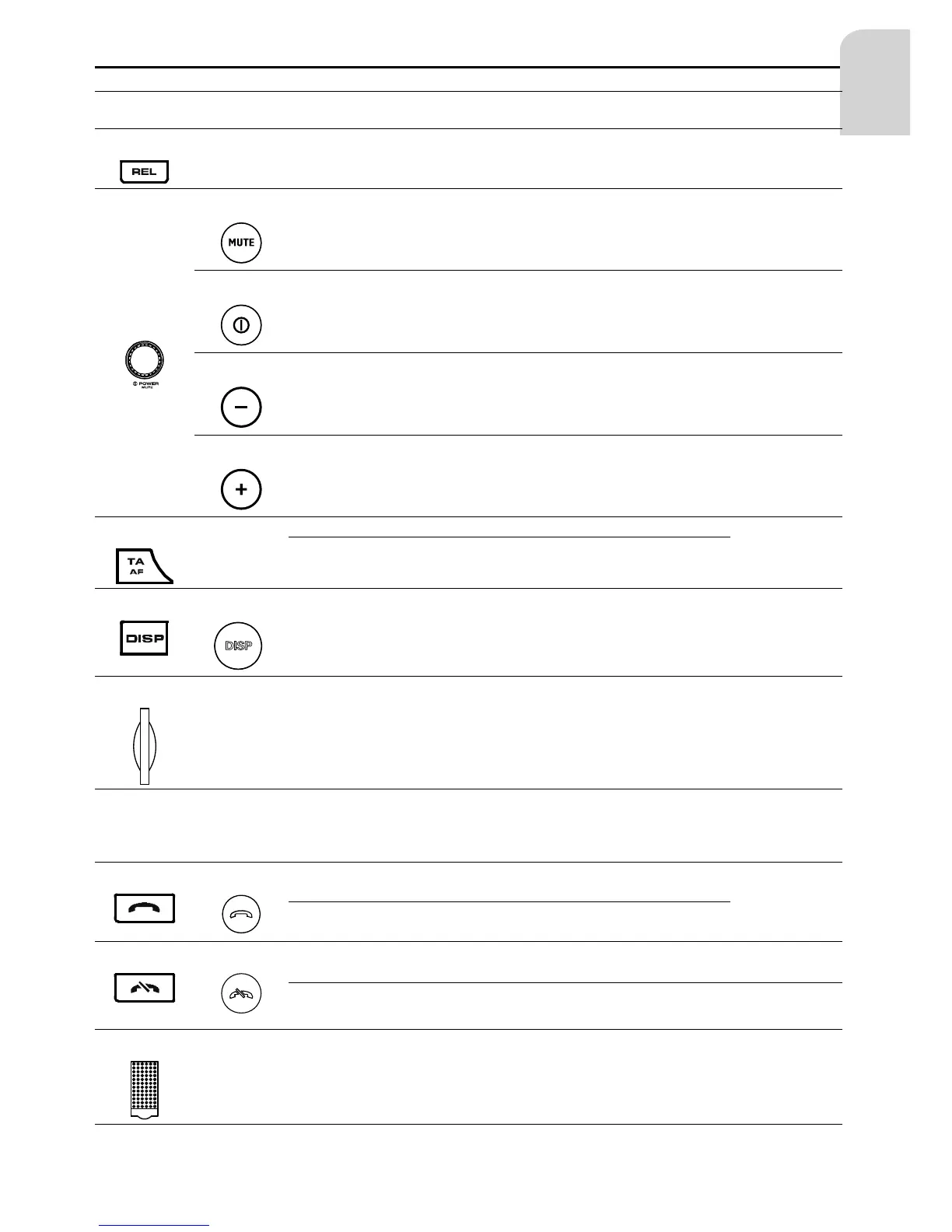
Head unit
Remote
Control
Action Tuner USB and SD/MMC
Blue-
tooth
SAM, SOUND
(1)
-
SP To release the front panel
(2)
(2)
SP Mute
(1)
LP Power On / Off
(11)
CCW/SP
Decrease (lower)
volume
Decrease (lower) volume
Select previ-
ous option (for
current menu
item)
(10)
CW/SP
Increase (higher)
volume
Increase (higher) volume
Select next op-
tion (for current
menu item)
(3)
-
SP Activate / Deactivate Traffi c Announcement
Exit Scan/
Sound
LP Activate / Deactivate Alternate Frequency
(4)
(3)
SP To select the radio display mode n.a.
(5)
-
- SD and MMC card slot
(6)
LCD dis-
play
-
- LCD for displaying all information
(7)
(7)
SP Answer a call
LP Transfer a call
(8)
(8)
SP -
-
Reject a
call
LP - - End a call
(9)
-
- Protective cover, to protect the SD/MMC slot and USB connector


 To Next Page