24
(SAM)’ for adjusting the clock.
SOFTWARE ACCESS MENU (SAM)
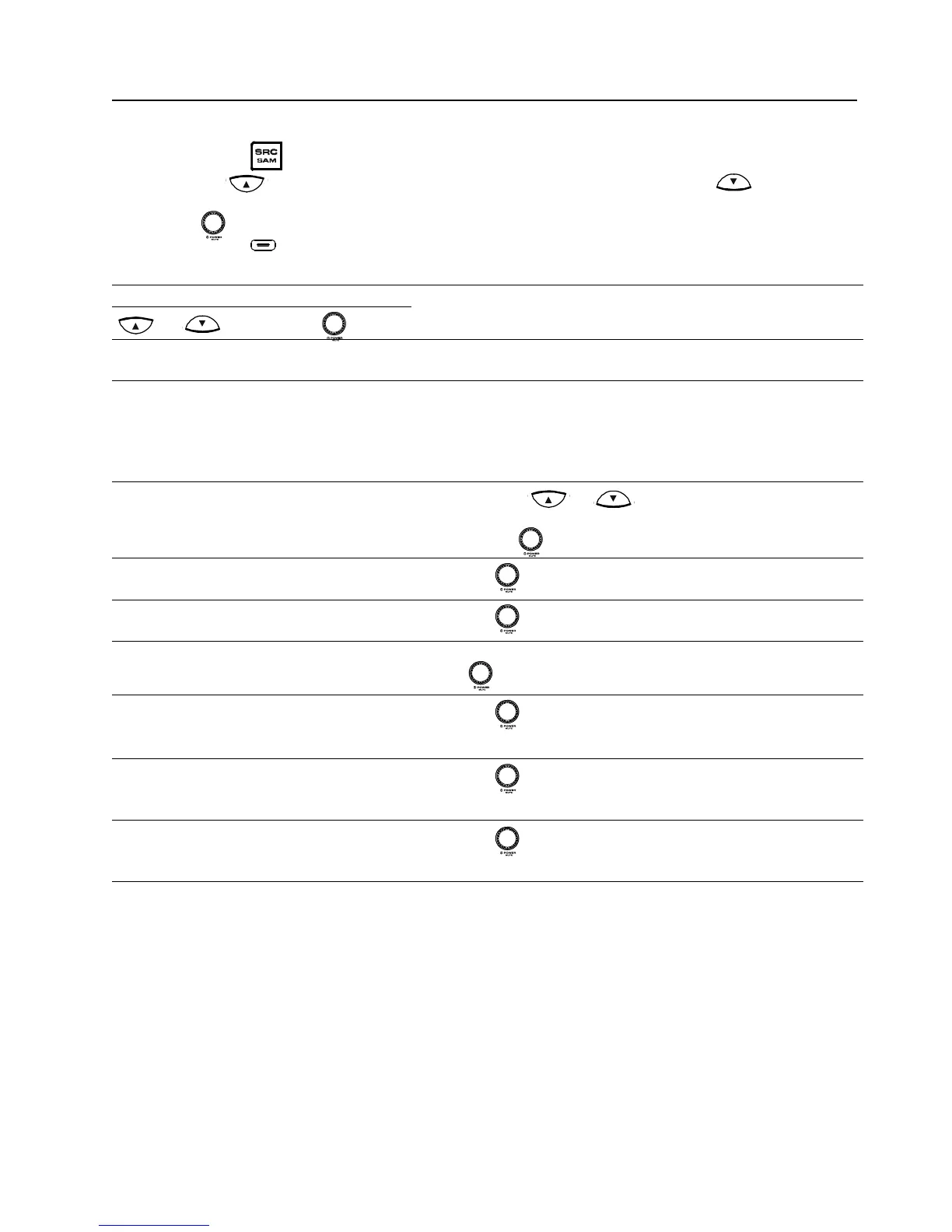
It is possible to customize your headunit settings to your personal preferences via the SAM. To navi-
gate the SAM, here are the steps:
Long-press the
button to enter the SAM.
Short-press
button to select the next SAM menu item; or short-press the button to
select the previous SAM menu item.
Turn the knob clockwise or counter-clockwise to choose the desired option.
Long-press the
button to exit the SAM.
Note: The headunit will automatically exit SAM after 6 seconds of inaction.
Option Setting
Usage
or
turn the knob
BEEP [Beep OFF, 1, 2,
3, 4]
Activate / Deactivate the confi rmation beep tone
CLOCK [CLOCK OFF,
CLOCK ON, RDS
CLOCK]
Select 'CLOCK RDS' to activate the 'RDS CLOCK' or
'CLOCK ON to set the clock manually.
Note: Selecting 'CLOCK OFF' will disable the clock display
when the headunit is in stand-by / off mode; hence, it will
help prolong your battery.
CLOCK FORMAT
(when activated)
[24H, 12H]
Short-press
or button to select the 12H/24H-
digit, hour-digit or minute-digit
Rotate the
knob to adjust the selected digits
1.
2.
TIME ADJUST
HOURS
[00-12 or 23]
Rotate the
knob to adjust the digits.
TIME ADJUST
MIN's
[00-59]
Rotate the
knob to adjust the digits.
TUNER CONFIG. [EURO, USA, ASIA] Select the tuner according to the regional standards by rotat-
ing the
knob.
LO/DX [LOCAL, DX]
Rotate the
knob to select either:
LOCAL
DX
Ä
Ä
MW [ON, OFF] Rotate the knob to select either:
ON
OFF
Ä
Ä
LW [ON, OFF] Rotate the knob to select either:
ON
OFF
Ä
Ä
Ä
Ä
Ä
Ä


 To Next Page