LVP603
LVP603
LVP603
LVP603 User
User
User
User
’
’
’
’
s
s
s
s Manual
Manual
Manual
Manual
---------------------------------------------------------------------------------------------------
---------------------------------------------------------------------------------------------------
---------------------------------------------------------------------------------------------------
---------------------------------------------------------------------------------------------------
LED
LED
LED
LED VIDEO
VIDEO
VIDEO
VIDEO PROCESSOR
PROCESSOR
PROCESSOR
PROCESSOR
17
The three options are used to set R, G, B values respectively as a
certain value within 0~252.
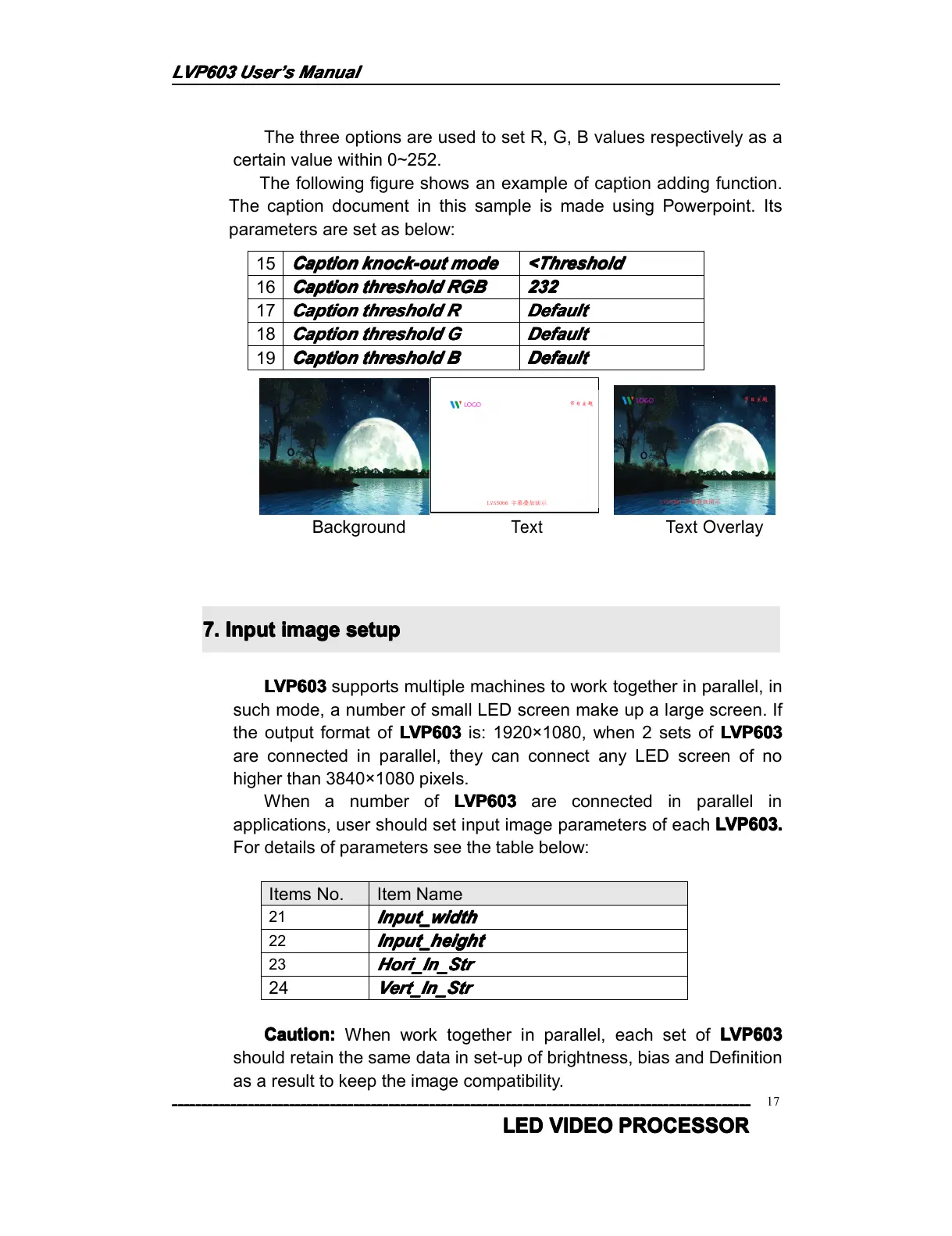
The following figure shows an example of caption adding function.
The caption document in this sample is made using Powerpoint. Its
parameters are set as below:
B ackground
Text Text
Overlay
7.
7.
7.
7. Input
Input
Input
Input image
image
image
image setup
setup
setup
setup
LVP603
LVP603
LVP603
LVP603 supports multiple machines to work together in parallel, in
such mode, a number of small LED screen make up a large screen. If
the output format of LVP603
LVP603
LVP603
LVP603 is : 1920 × 1080 , when 2 sets of LVP603
LVP603
LVP603
LVP603
are connected in parallel, they can connect any LED screen of no
higher than 3840 × 1080 pixels.
When a number of LVP603
LVP603
LVP603
LVP603 are connected in parallel in
applications, user should set input image parameters of each LVP603
LVP603
LVP603
LVP603 .
.
.
.
For details of parameters see the table below:
Items No. Item Name
21
Input
Input
Input
Input _w
_w
_w
_w idth
idth
idth
idth
22
Input
Input
Input
Input _height
_height
_height
_height
23
H
H
H
H ori
ori
ori
ori _In_Str
_In_Str
_In_Str
_In_Str
24
Vert_In_Str
Vert_In_Str
Vert_In_Str
Vert_In_Str
Caution:
Caution:
Caution:
Caution: When work together in parallel, each set of LVP603
LVP603
LVP603
LVP603
should retain the same data in set-up of brightness, bias and Definition
as a result to keep the image compatibility .
15
Caption
Caption
Caption
Caption knock-out
knock-out
knock-out
knock-out mode
mode
mode
mode <Threshold
<Threshold
<Threshold
<Threshold
16
Caption
Caption
Caption
Caption threshold
threshold
threshold
threshold RGB
RGB
RGB
RGB 232
232
232
232
1 7
Caption
Caption
Caption
Caption threshold
threshold
threshold
threshold R
R
R
R Default
Default
Default
Default
1 8
Caption
Caption
Caption
Caption threshold
threshold
threshold
threshold G
G
G
G Default
Default
Default
Default
1 9
Caption
Caption
Caption
Caption threshold
threshold
threshold
threshold B
B
B
B Default
Default
Default
Default



 To Next Page