LVP615U
使用说明
84
At the main interface of LVP615U control software
,
Click Resolution And then
the above interface will appear.In this interface
,
the user can set the output
resolution.
Setting output resolution: click downward triangle to select a proper output
resolution, processor will apply the resolution selected automatically. If select
custom resolution, you need to set the width, height and frame, after
configuring click OK to apply the resolution.
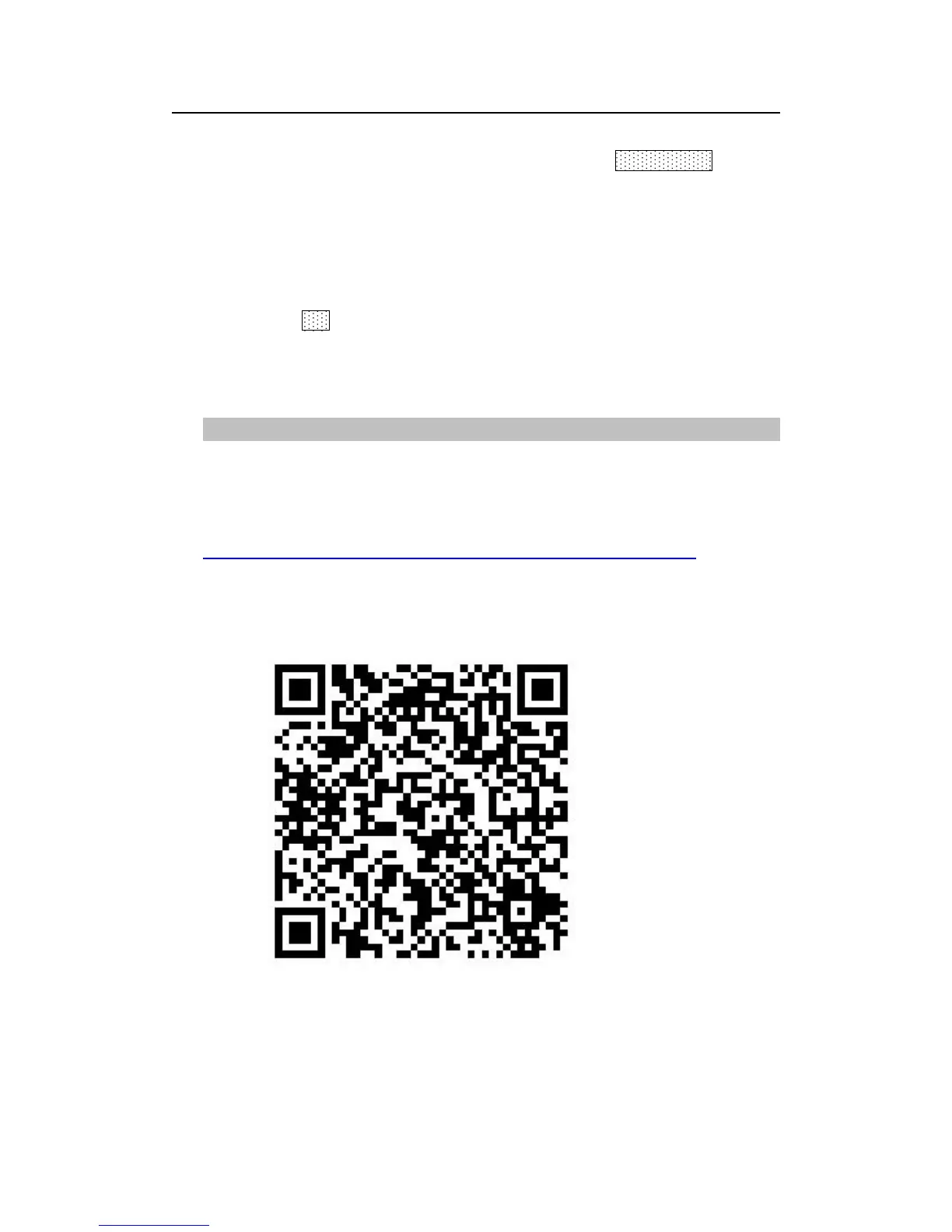
LVP615U supports to be controlled by mobile device for example tablet
computer and mobile phone. User can download the APP and install. IOS
platform can download and install the APP by
link:https://itunes.apple.com/cn/app/LVP615U/id1129709980?mt=8 or by scan
the two-dimension code below.Below we illustrate the remote control about
using IOS platform’s LVP615U control APP.



 To Next Page