LVP615U
使用说明
93
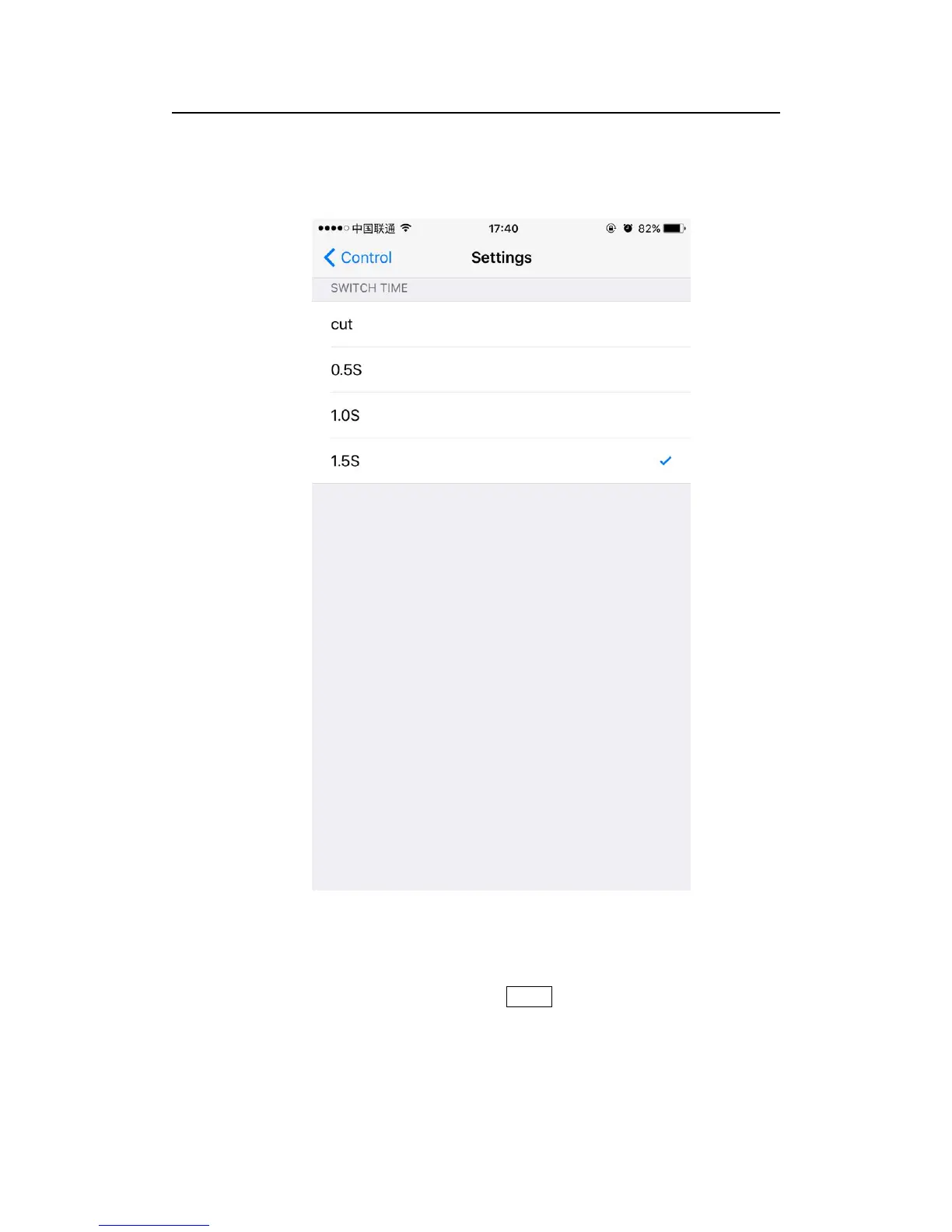
One key switch
LVP615U’s default signal switching mode is that clicking
corresponding button in signal source selection area to switch signal.
Preselect+Take Switch
The switch method’s interface as below, preselect firstly through
signal source button,then through TAKE button to switch input signal
source; blue button indicates current signal, green button indicates
preselected signal source.



 To Next Page