LVP615U
使用说明
99
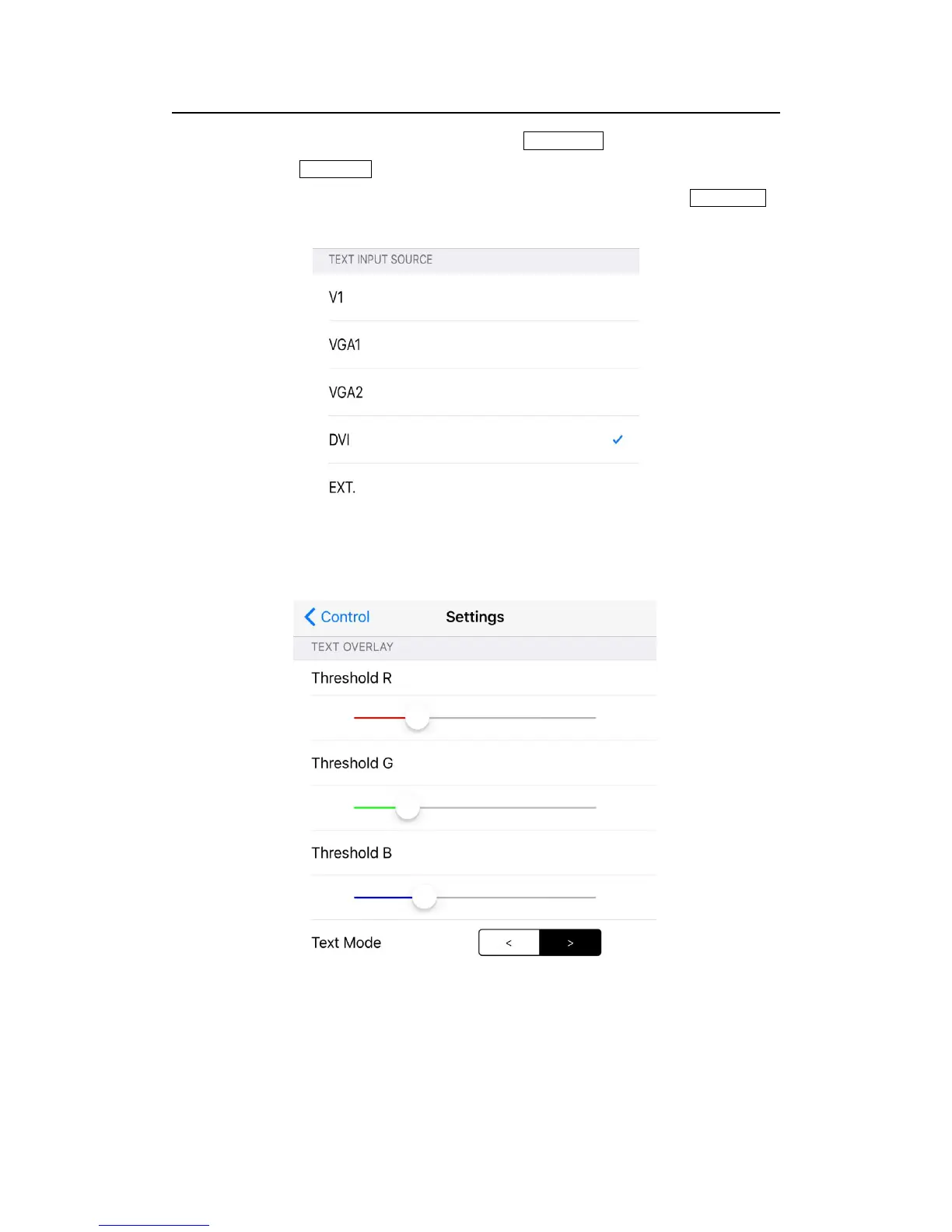
Firstly in operation interface click text overlay to open the function, then
click text signal select relative input signal in popping interface; if needy to
set the text threshold and other parameters, users could click text setting in
popping interface.
Text Signal Selection Interface
Text Parameter setting Interface



 To Next Page