EasyManua.ls Logo

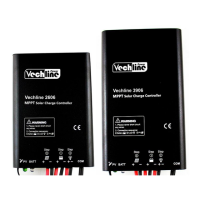
Vechline 2606 - Led Indicators

Vechline 2606
8 pages
Print Icon
To Next Page IconTo Next Page
To Previous Page IconTo Previous Page
Loading...
3
5. LED-INDICATORS
Indicator
Color
Status
Instruction
Green
On Solid
PV connection normal but low voltage(irradiance)
from PV, no charging
Green
OFF
No PV voltage(night time) or PV connection problem
Green
SlowlyFlashing(1Hz)
In charging
Green
FastFlashing(4Hz)
PV Over voltage
Green
On Solid
Normal
Green
SlowlyFlashing(1Hz)
Full
Green
FastFlashing(4Hz)
Over voltage
Orange
On Solid
Under voltage
Red
On Solid
Over discharged
Red
FastFlashing(4Hz)
BatteryOverheating
Low temperature
Charging(green) and battery
indicator(orange)flashing simultaneously
System voltage error
When the battery type is Lithium Battery,the controller do not recognize the system voltage
automatically.
6. LOAD WORKINGMODE
1).Manual mode (default on)
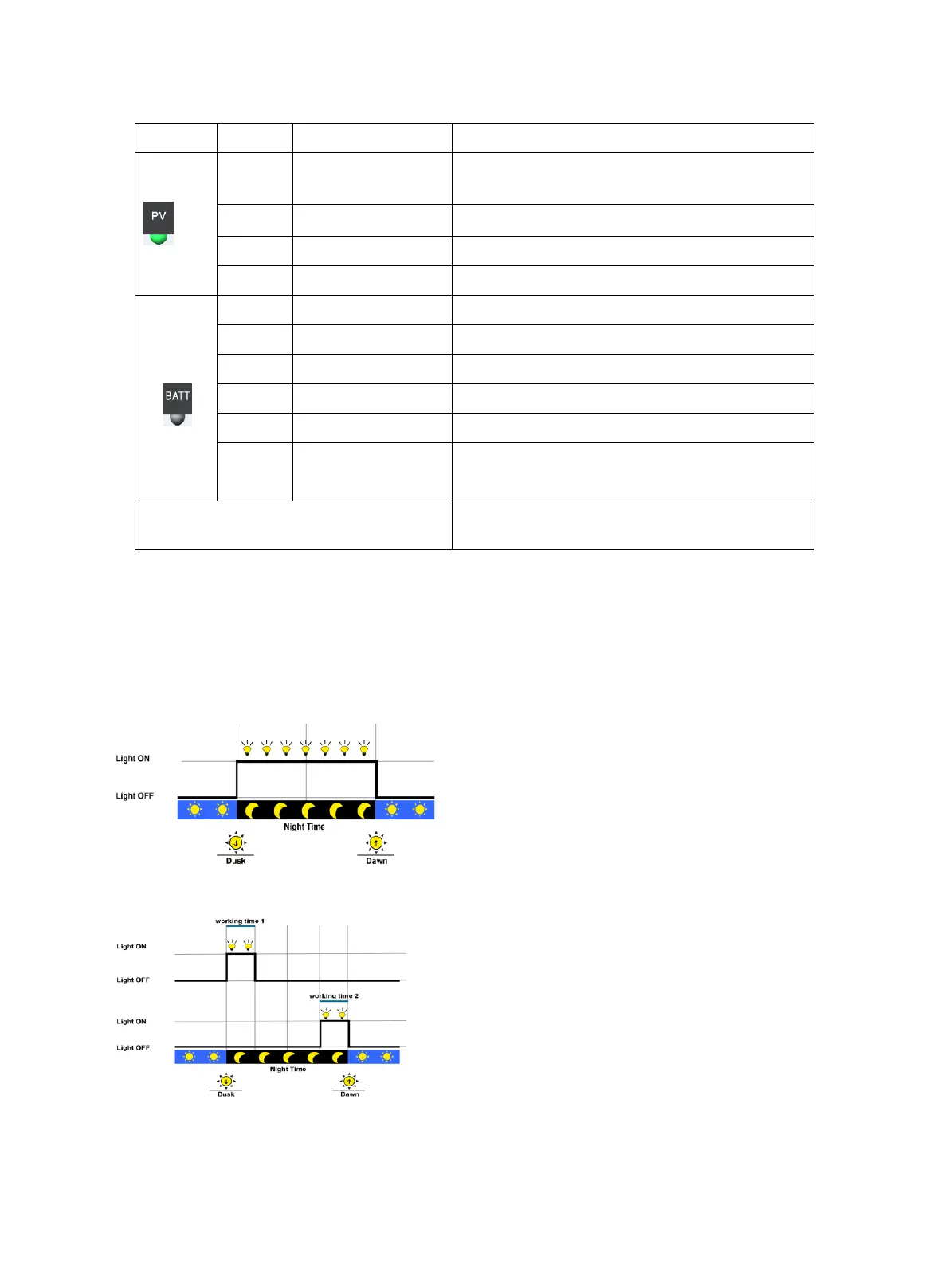
2). Light on/off
3). Light on + timer
4). Real time control
Control the load on/off time through setting real-time clock.

Related product manuals