Doc: 70-00-0958A V1.0, 20221102 © Vector Controls GmbH, Switzerland Page 6-34
Subject to change without notice www.vectorcontrols.com
3 Operation
Content of chapter
3.1 User interface ____________________________________________________________________________ 6
3.1.1 Button operation _______________________________________________________________________ 6
3.2 LCD Display _____________________________________________________________________________ 7
3.2.1 Operating modes ______________________________________________________________________ 7
3.2.2 Controlling modes ______________________________________________________________________ 7
3.2.3 Large and small digits___________________________________________________________________ 8
3.2.4 Alarm messages _______________________________________________________________________ 8
3.2.5 Error messages ________________________________________________________________________ 8
3.3 Temperature control _______________________________________________________________________ 8
3.4 Controller operation _______________________________________________________________________ 9
3.4.1 Operating mode _______________________________________________________________________ 9
3.4.2 Controlling Mode _______________________________________________________________________ 9
3.4.3 Temperature control ___________________________________________________________________ 10
3.4.4 Fan speed ___________________________________________________________________________ 10
3.4.5 Controller start up ____________________________________________________________________ 10
3.4.6 Power Failure ________________________________________________________________________ 11
3.5 View input status (RT1/RT2) ________________________________________________________________ 11
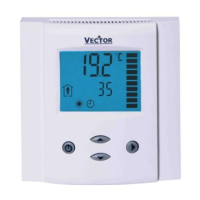
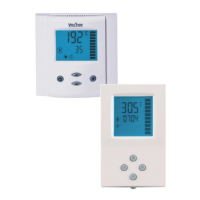
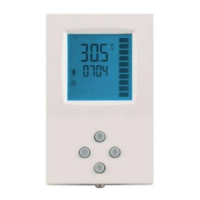
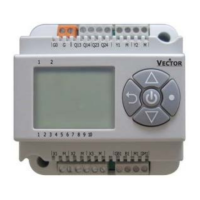
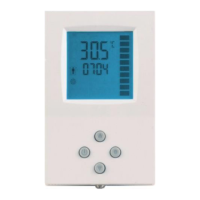
3.1 User interface
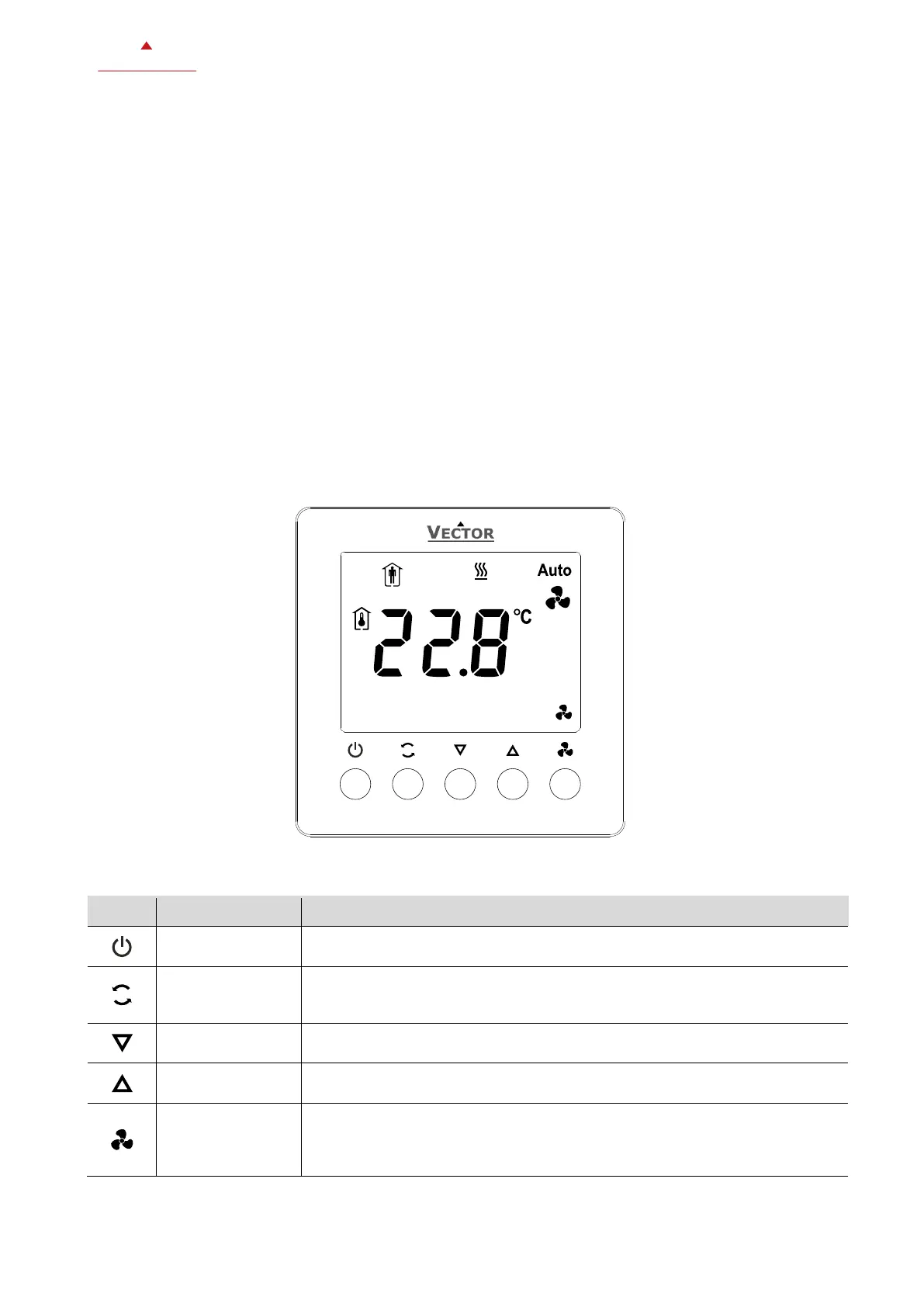
3.1.1 Button operation
Operating mode selection (Comfort Mode, Economy Mode, Protection Mode)
Menu navigation: Return to top menu
Controlling mode selection (Heating Mode, Cooling Mode, Fan Only)
Menu navigation: Return to top menu point
Long press: Switch °C/°F
Change fan mode (auto mode or fan speed)
Menu navigation: Enter menu point
Parameter change: Save parameter
Long press: Display external input status


 To Next Page
 Loading...