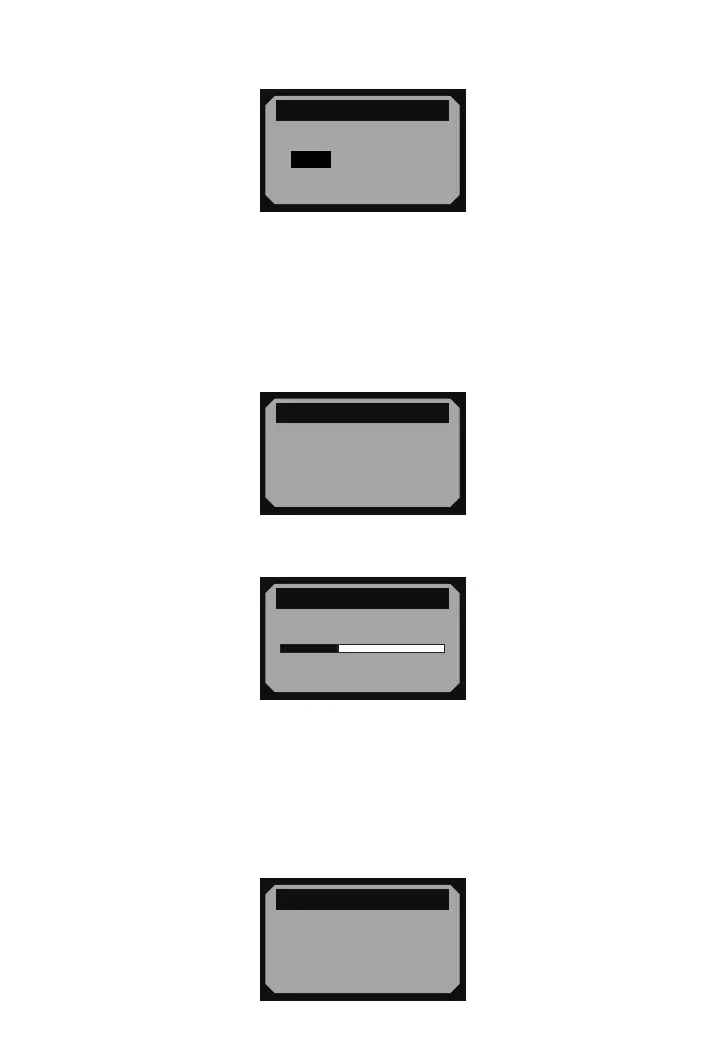
2) From Unit of Measure menu, use SCROLL button to select the desired unit of
measurement.
3) Press ENTER/EXIT button to save your selection and return to previous menu.
Contrast Adjustment
1) From System Setup menu, use SCROLL button to select Contrast, and press
ENTER/EXIT button.
= = = = = = = = = = =3/4
System Setup
1) Language
2) Unit of Measure
3) Contrast
4) Exit
►
2) From Contrast menu, use SCROLL button to adjust contrast.
= = = = = = = = = = = = =
Contrast
Contrast (35%)
Use to change
«
3) Press ENTER/EXIT button to save your settings and return to previous menu.
Exiting System Setup
1) Use SCROLL button to select Exit and press ENTER/EXIT button to return to startup
menu.
= = = = = = = = = = =4/4
System Setup
1) Language
2) Unit of Measure
3) Contrast
4) Exit
►
- 8 -
= = = = = = = = = = =2/2
Unit of Measure
►
English
Metric


 To Next Page