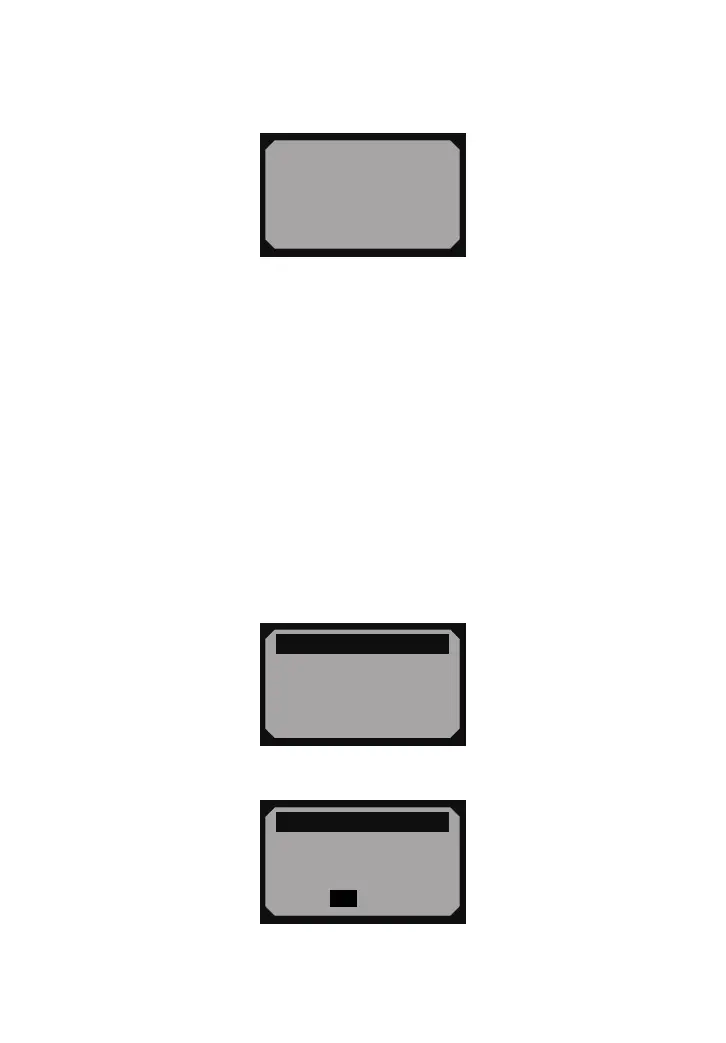
• If no codes are detected, a "No codes are stored in the module!" message displays on
the screen.
• If retrieved DTCs contain any manufacturer specic or enhanced codes, the display
indicates "Manufacturer control".
- 11 -
= = = = = = = = = = = =
Manufacturer control
P1324
Other
$09 4/6
4) Press ENTER/EXIT button to return to previous menu.
4.2 Erasing Codes
CAUTION: Erasing the Diagnostic Trouble Codes may allow the code reader to delete
not only the codes from the vehicle’s on-board computer, but also “Freeze Frame” data
and manufacturer enhanced data. Further, the I/M Readiness Monitor Status for all
vehicle monitors is reset to Not Ready or Not Complete status. Do not erase the codes
before the system has been checked completely by a technician.
• This function is performed with key on engine off (KOEO). Do not start the engine.
1) If you decide to erase the DTCs, use SCROLL button to select Erase Codes from
Diagnostics Menu and press ENTER/EXIT button.
= = = = = = = = = = =2/6
Diagnostic Menu
1) Read Codes
2) Erase Codes
3) View Freeze Frame
4) I/M Readiness
►
2) A warning message comes up asking for your conrmation.
= = = = = = = = = = = = =
Erase Codes
Erase trouble codes!
Are you sure?
Yes No
3) If you want to proceed with erasing the codes, press ENTER/EXIT button to erase.
• If the codes are cleared successfully, an “Erase Done!” message shows up.


 To Next Page