2. Your guide to the Azuro Soundbar 3. Getting started
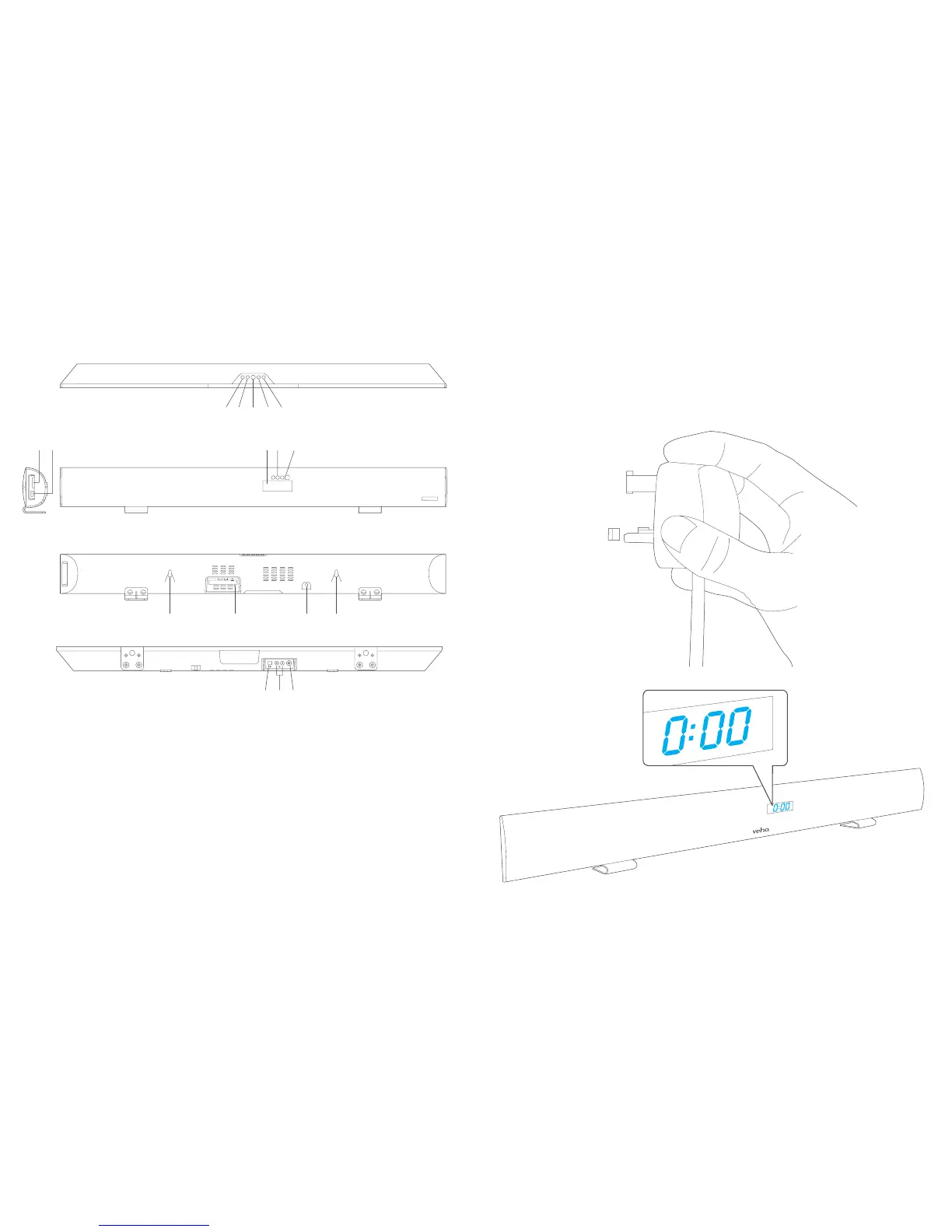
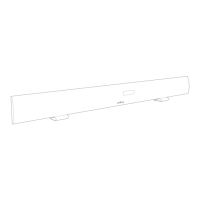
1 Volume–Buon 9 BluetoothIndicator
2 Volume+Buon 10 RemoteSensor
3 StandbyBuon 11 HangingHoles
4 MODEBuon 12 FMAntenna
5 Pair/Play/PauseBuon 13 ACCord
6 SD/MMCCardSlot 14 OpcalIn
7 USBPort 15 AUXIn
8 LCDDisplay 16 LineIn
1
11
14 15 16
12 13 11
86 7 9 10
2 3 4 5
ConnecttheACpoweradaptertothewalloutlet.Thesoundbar
willenterstandbymodeandtheLCDdisplaywillturnon.Theme
displayedwillbe0:00.


 To Next Page