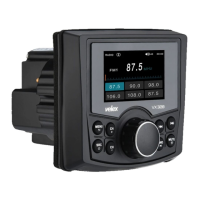
General Operation
Power on/off -- Press the ' ' button to turn the unit on. Short press
to turn the unit off.
Brightness -- Press ' ' to adjust the back light brightness ( High / Medium / Off).
Changing Modes -- Press SRC to select between AM/FM, USB, Auxiliary and
Bluetooth Music. Modes of operation are shown in the display.
Volume -- Adjust volume by rotating the volume knob.
Mute -- Press '>II' to silence the audio. Press '>II' again to resume listening at
previous selected volume.
Auxiliary InputsInsert a 3.5mm connector in the AUX port, the other end of 3.5mm
connector to the headphone output of an audio device (3.5 mm audio cable sold
separately ).
' ' again
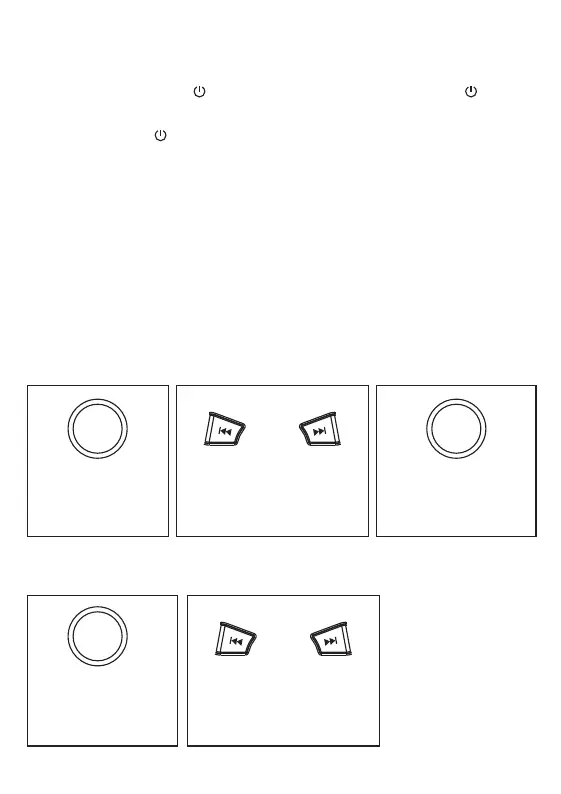
Audio setting
Short press 'SEL' to
enter into AUDIO
SETTING
Navigate between XBASS/
BASS / TREBLE / BALANCE
/ FADER
Rotate the volume knob
to select between EQ
USER/JAZZ/POP/
CLASS/ROCK
System setting
Press and hold 'SEL'
to enter into SYSTEM
SETTING
Navigate between BEEP /
RESET / ABOUT / TIME



 To Next Page