AM/FM Tuner Operation
1. Press the SRC button to select TUNER
2. Press >II button to MUTE, press again to UNMUTE
3. To manual adjust frequency press >>I or |<<
4. Press the PRESET button to recall PRESETS 1-6
5. Press BAND to switch between FM1, FM2, FM3, MW1, MW2, WB;
Tuner Function Setting
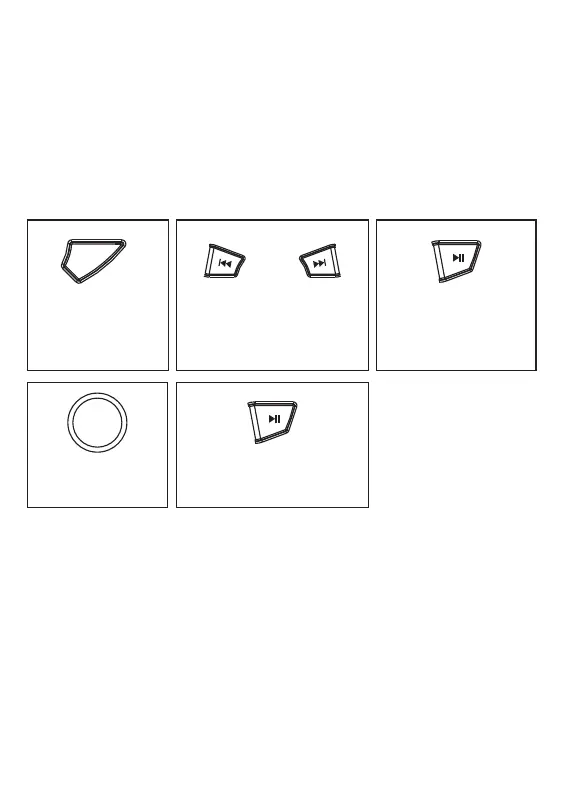
Press and hold
'PRESET' to enter
into Tuner function
mode
Navigate between AUTO
STORE / M STORE/ LOCAL
/ AREA / RDS / AF / TA
/ PTY
Press to enter setting
Rotate the volume
knob to select option
(A-store skip this step)
Press >|| button to confirm
the selection (A-store skip
this step)
A – STORE: Automatic search the strong radio stations and store them into PRESET.
M- STORE: Manual Store the Radio Station, tune to the favorite station, activate the
M-STORE, the PRESET number will flashing on the LCD display, use the VOL+/VOL-
button to adjust to your desired PRESET number ( P1 - P18 ) , then press >II button
to manually save the station.
LOCAL - ON/OFF.
AREA - Select between EUROPE / AUST / USA frequency.
RDS - ON/OFF; AF / TA / PTY – ON/OFF.
PRES



 To Next Page