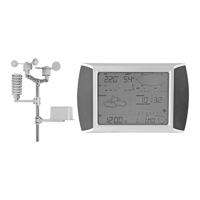
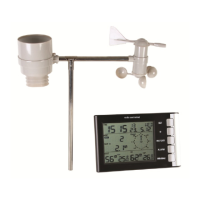
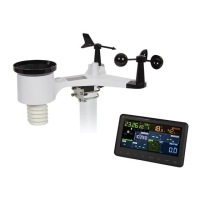
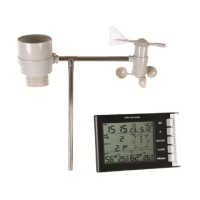
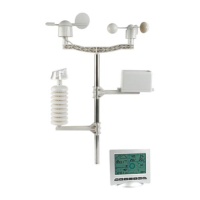
WS3080
V. 05 – 08/11/2016 6 ©Velleman nv
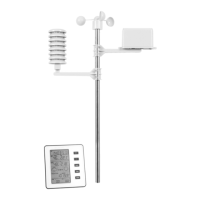
15. Once testing is completed, you can mount the station on an outdoor pole (not incl.) using the included
clamps. Choose a suitable mounting location for the receiver. Commonly, the communication between the two
stations can reach a distance of 100m in the open field, provided that there are no obstacles such as
buildings, trees, vehicles, high-voltage lines, etc. Radio interference such as from PCs, radios and television
sets can entirely cut off the communication. Take this into consideration when choosing a mounting location.
Notes:
On the edges of the wind direction sensor [E] the direction is indicated (“N” = north, “E” = east, “S” =
south and “W” = west). Make sure these inscriptions match the real wind direction. Use a compass (not
incl.) when installing the station to position the direction sensor correctly.
Make sure the solar panel is facing the sun to keep the transmitter batteries sufficiently charged.
7. Basic settings/operation
Use the MENU button [a] to scroll through the available menus. Use the ENTER button [b] to select a mode
or accept a value.
Change values with the [c] or [d] button
Notes:
Keep the [c] or [d] button pressed to increase setting speed.
Exit the menu setting at any time by pressing the HISTORY button [f] or simply wait 30s until the receiver
automatically returns to normal display.
When not in setup, press the HISTORY button [f] to switch on the backlight for ±10s.
All settings can also be made through the software (see §9 PC connection)
Refer to the table below for an overview of the menu and setting options.


 To Next Page