12
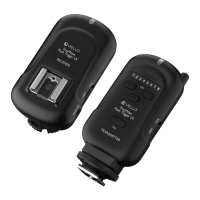
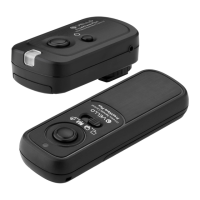
1. Turn on the Receiver by pressing and
holding the Power button until the LED
lights up.
2. Set the transmitter to Continuous
Shooting.
3. Set your camera to the Single Shot
setting.
4. Press and hold the Transmitter’s
shutter release button halfway to wake
or focus your camera (if set to Auto
Focus). The LED will turn green.
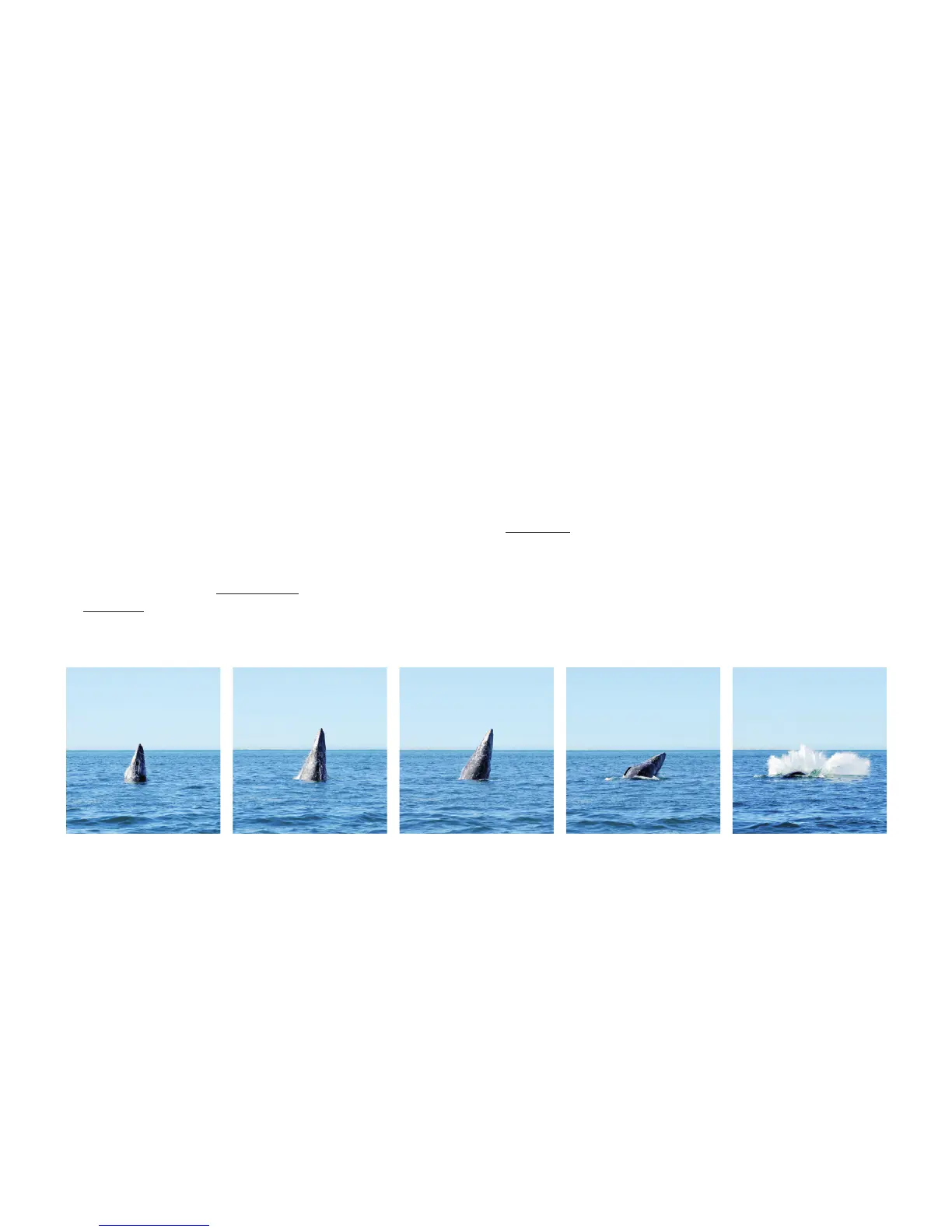
5. A full press of the Transmitter’s
shutter button will trigger the camera
to take continuous photos at 1 second
intervals until you release the shutter
button.
CONTINUOUS MODE AT 1 SECOND INTERVALS | WIRELESS


 To Next Page