14
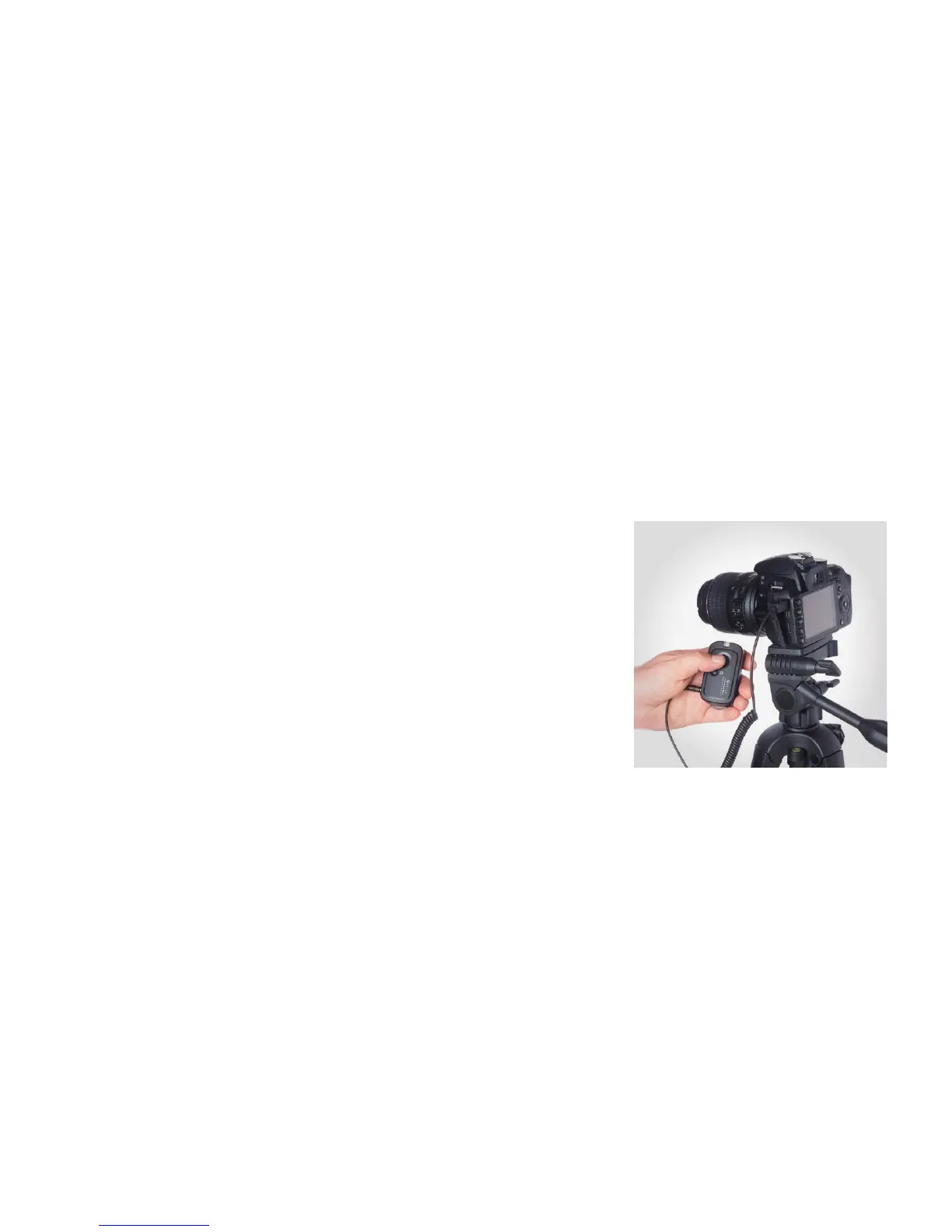
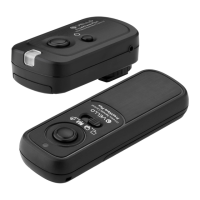
The FreeWave Plus Receiver can also
be used as a wired, o-camera shutter
release.
With your camera and receiver OFF,
connect the shutter release cable’s
miniplug end to the Receiver and the other
end to your camera’s shutter release jack.
Power up your camera. The Receiver
does not need to be on, but because the
Receiver does not need power in wired
mode, the LED will not light up.
1. Press and hold the Receiver’s shutter
release button halfway to wake or focus
your camera (if set to Auto Focus).
The confirmation LED will not display,
so be sure to manually focus or allow
the camera to Auto Focus without
confirmation.
2. Fully press the shutter button on the
Receiver. The shutter will be triggered.
SINGLE SHOTS | WIRED


 To Next Page