16
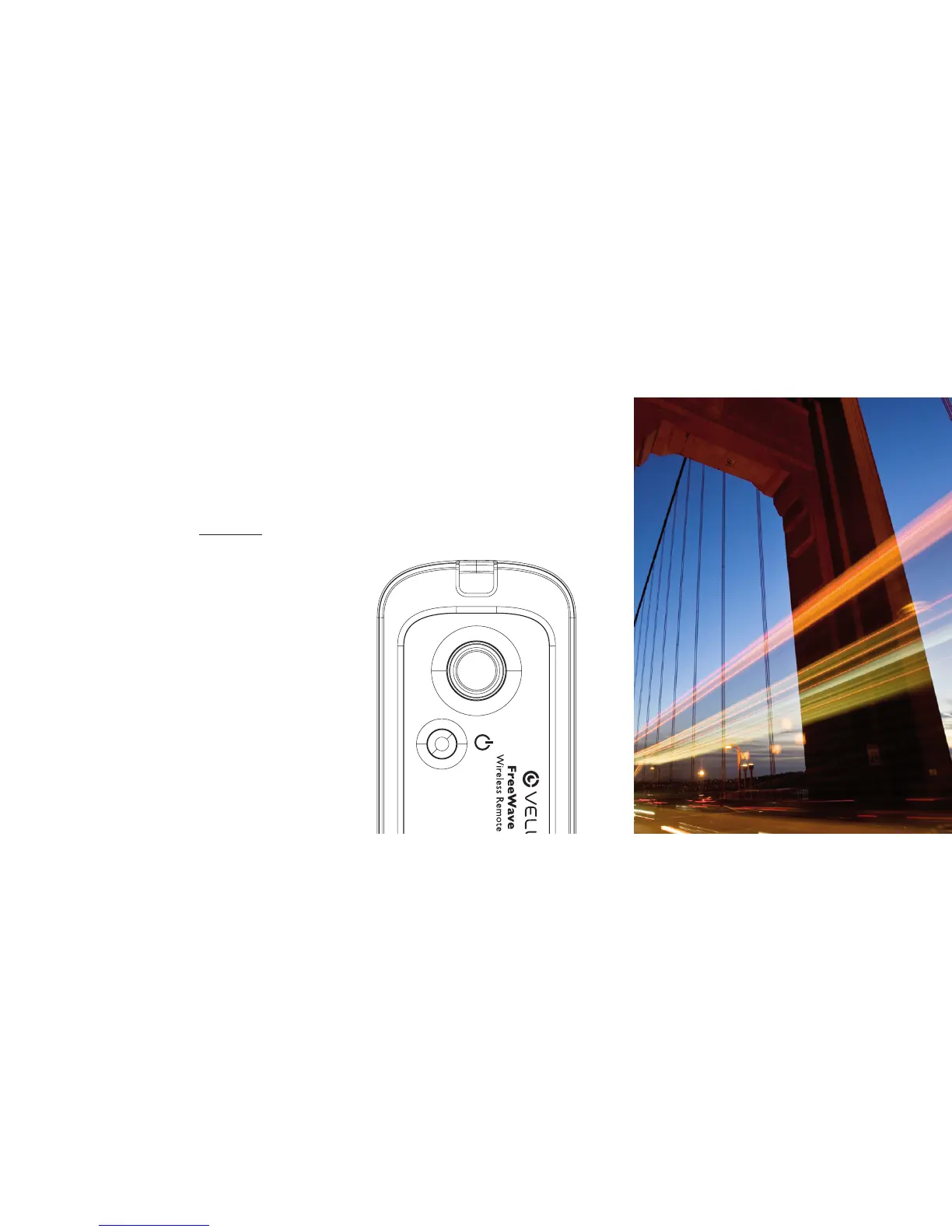
1. Set your camera to Bulb mode.
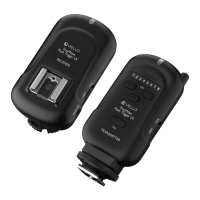
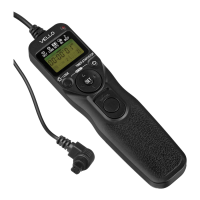
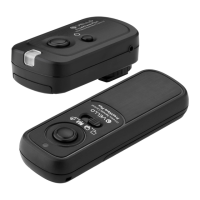
2. Press and hold the Receiver’s shutter
release button halfway to wake or focus
your camera (if set to Auto Focus).
The confirmation LED will not display,
so be sure to manually focus or allow
the camera to Auto Focus without
confirmation.
3. Press and hold the Receiver’s shutter
button. The shutter will remain open
until the shutter button is released.
BULB MODE (LONG EXPOSURE) | WIRED


 To Next Page