7
. Make sure you camera is
turned o.
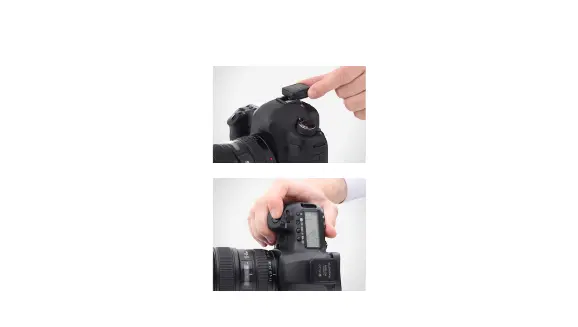
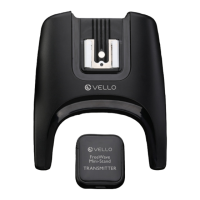
2. Slide the transmitter’s
mounting foot all the way
into the camera’s hot-shoe
mount.
3. Turn your camera on.
4. Press your camera’s shutter
release button. At this time,
the flash will fire with each
press of the shutter.
MOUNTING THE TRANSMITTER TO YOUR CAMERA



 To Next Page