OPERATING PROCEDURES | CHARGER
Charger LED Display
How to Use Charger
LED LIGHTS INDICATION
Red LED Light Flashing Charging
Solid Green Light Charge Completely
Red & Green Light
Flash in Order
Refer to the troubleshooting table
WARNING!
TO DECREASE THE POSSIBILITY OF ELECTRICAL SHOCK OR ELECTROCUTION, MAKE
SURE THE CHARGER PLUG IS NOT DAMAGED. THE POWER AC CORD HAS A PLUG
WITH GROUND POST. DO NOT MOVE, CUT OR BEND THE GROUND POST.
1
2
3
4
5
6
Inspect the charger cord to check if there is broken or damage to
the power AC cord.
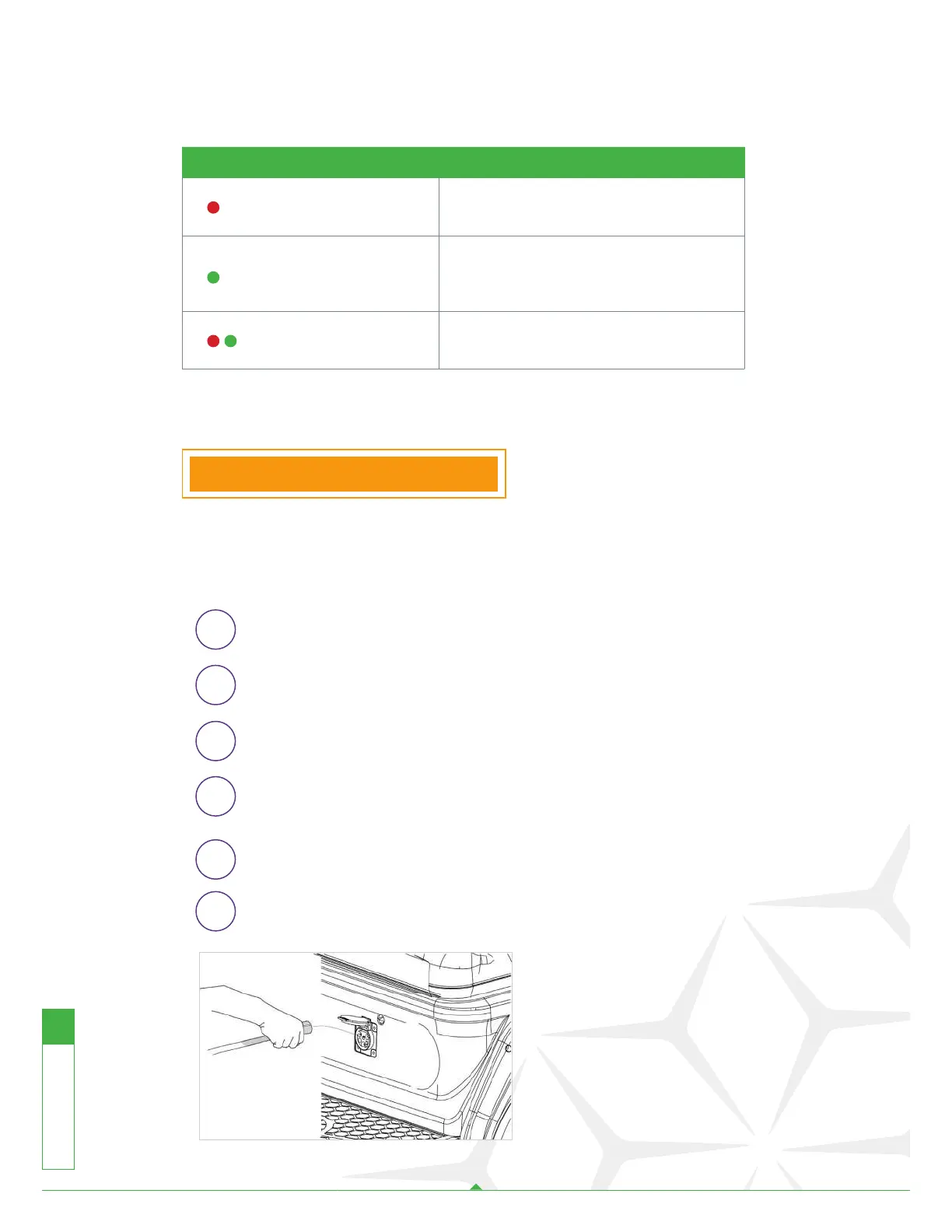
Plug the AC charge handle into the vehicle receptacle completely.
Plug the Power AC cord into the ground power completely.
The charger will automatically start in several seconds after
plugging in the AC power cord.
The charger will automatically stop when the batteries are fully
charged.
Remove the AC charge cord before operating the vehicle.
▪ Ensure that your vehicle keys
are in the off position, the
cart will not charge if the key
is in the “on position”.
▪ Charge in a safe environment,
such as avoiding extreme
heat and water damage.
16
VENOM-EV.COM Venom EV User Guide



 To Next Page