9
Step 5 - Remove Current Backplate
Unscrew the current backplate and
remove it from the wall. Be careful
not to let the wires fall into the wall.
Step 6 - Mount New Base
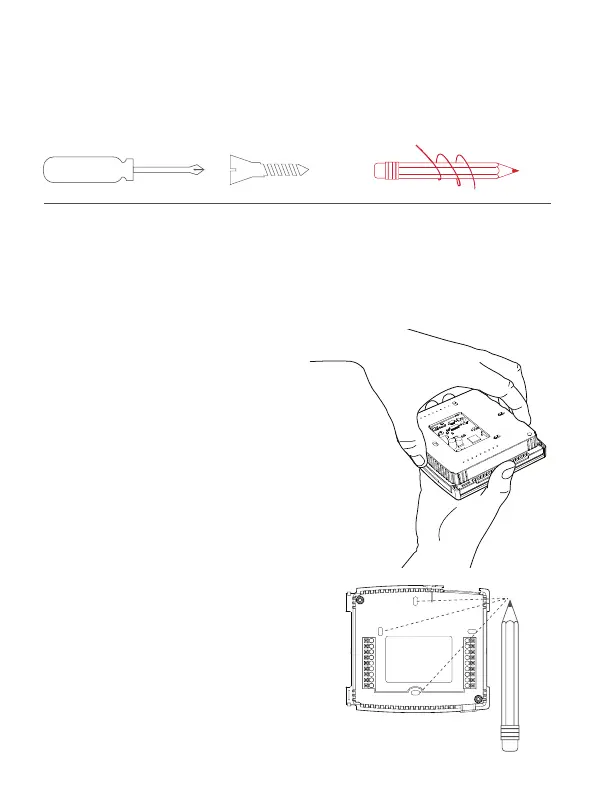
1) Gently separate the display from the base by pulling first
from one side, then the other until the two pieces unsnap.
A small screwdriver may be used, very carefully, to start
separating the two pieces.
TIP: If needed, wrap the wires
around a pencil or pen to keep
them from falling inside the wall.
2) Position the base against your
wall, and determine if wall
anchors from current thermostat
align with screw locations of
new base.
3) If base does not align with
existing anchor holes, mark new
screw locations with a pencil.
Drywall: Drill 3/16" hole for
the anchor
Plaster: Drill 7/32” hole for
the anchor
4) Pull wires through opening in
base and secure to the wall
using provided screws.
TIP: Use a level to ensure
thermostat is properly aligned
before marking screw locations.


 To Next Page