14
1 2
Quick Start - Connect to Wi-Fi
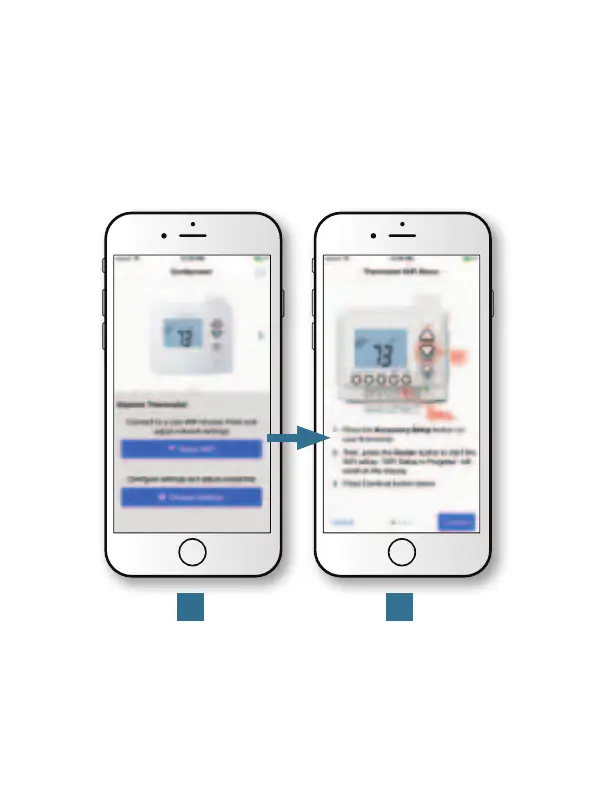
The EXPLORER thermostats are joined to a Wi-Fi network with the
help of the Venstar Configurator App. This app may be downloaded
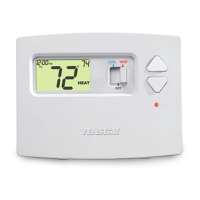
from your mobile device’s app store. Once the EXPLORER thermostat
is installed with the optional Wi-Fi Module, the Configurator App will
facilitate connection to the access point in 5 steps as outlined below.
Press the “Setup
Wi-Fi” button.
Press the “Accessory Setup”
button on the thermostat.
Then press the “Cooler”
button to start the setup.


 To Next Page