Page 4.8
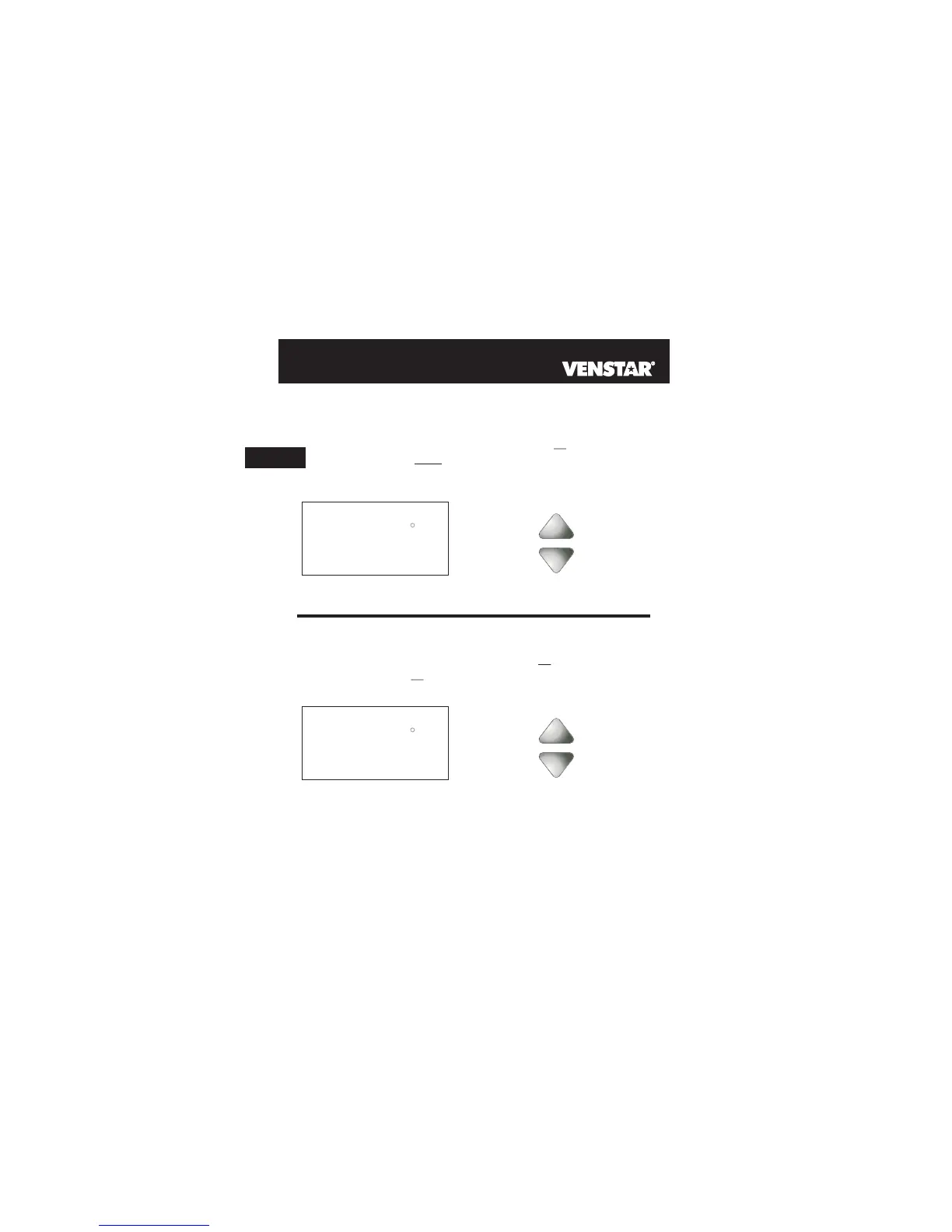
AUTO OR PROGRAM MODE
Pressing the UP or DOWN buttons in Auto or Program
modes will adjust both the heat and cool set temperatures
simultaneously. For more information on this see page 14.2.
buttons.
Adjust the desired
set temperature with the
HEAT
COOL
AUTO
I2:00
Su
70
Pm
68
76
HEAT OR COOL MODE
Pressing the UP or DOWN buttons in Heat or Cool modes will
adjust only the heat or cool set temperature.
buttons.
Adjust the desired
set temperature with the
COOL
I2:00
Su
70
Pm
76
Selecting Your Desired Temperature (adjusting setpoints)
4



 To Next Page