Page 20.2
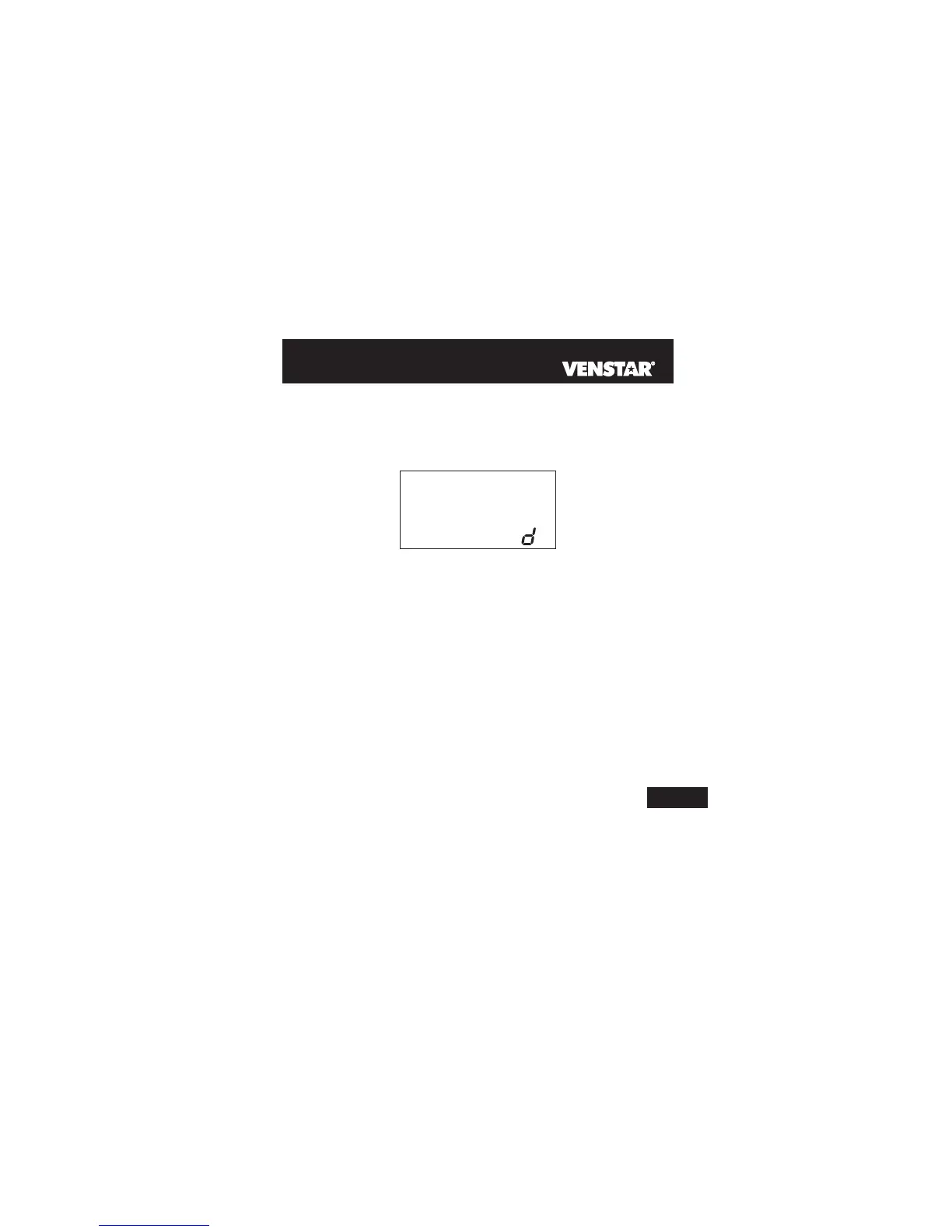
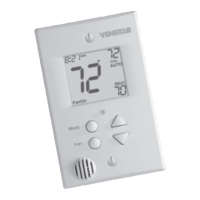
VACATION DISPLAY - When the thermostat is placed into the
Vacation mode, the thermostat will display the screen shown below.
y
2
Programming Vacation Mode (continued)
To return the thermostat to normal operation from Vacation mode,
press the PROGRAM and SET CLOCK buttons and adjust the days
in step #1 to zero (see previous page).
Press the PROGRAM and SET CLOCK buttons to return to normal
operation.
20



 To Next Page