WEATHER FORECAST & BAROMETRIC PRESSURE
The unit predicts weather condition of the next 12 – 24 hours based on the change of atmospheric pressure.
The coverage area is around 30 – 50 km. The weather forecast is based on atmospheric pressure change and is
about 70-75% correct. As weather conditions cannot be 100% correctly forecasted, we cannot be responsible for
any loss caused by an incorrect forecast.
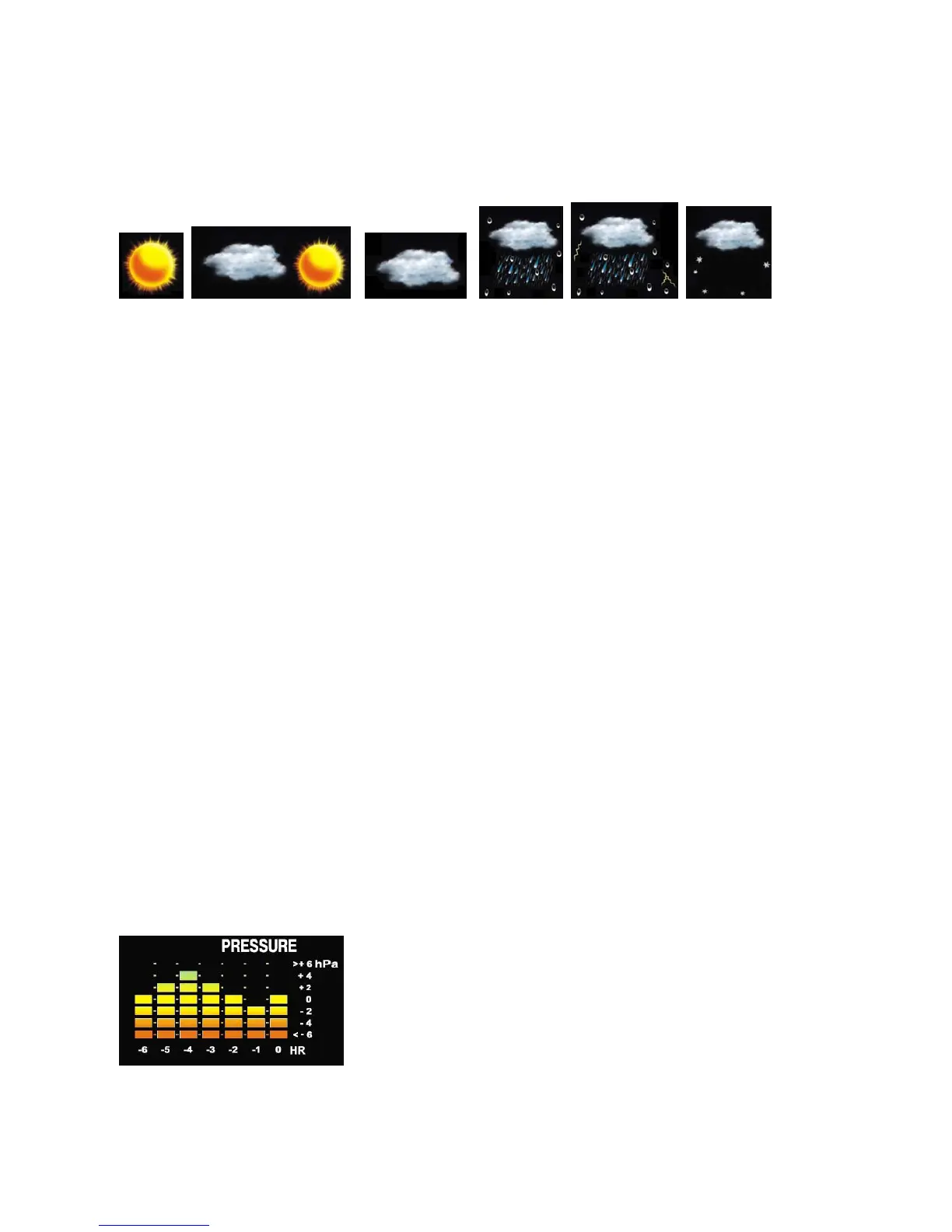
SUNNY PARTLY CLOUDY CLOUDY RAINY STORMY
To obtain an accurate weather forecast, you need to input your current weather condition as initial setting. After
battery/adapter installation, the weather icon will flash. Press [+] or [-] button to select the current weather
condition and press [CLOCK/SET] to confirm. You can also set the weather forecast anytime by entering the
setting mode (see details below).
Barometric pressure measurement is available on the unit. To have an accurate pressure reading, initial pressure
setting is required. Weather forecast & pressure unit can also be set in the setting mode if needed.
Hold [CLOCK/SET] to enter setting mode. Press [+] or [-] to select and press [CLOCK/SET] to skip or confirm the
settings.
Weather Forecast > 12/24hr format > D/M or M/D format > Time Zone Offset > Hour > Minute > Year >
Month > Date > Temperature unit > Rainfall unit > Wind Speed unit > Pressure unit (hPa, mb, inHg,
mmHg) > Pressure value > EXIT
NOTE: Pressure setting:
You may look up the sea level pressure reading from your local weather news or Internet web site of your area
and enter this pressure value in the setting mode. If you already know the absolute pressure value of your
location, you may also enter in the setting mode. Whenever the air pressure changes, the unit will offset and
show the updated pressure measurement based on this initial pressure input.
Please note that changing the weather forecast manually in the setting mode afterward will change the pressure
measurement value automatically. Therefore it is recommended to adjust the weather forecast setting before the
pressure value setting.
Press [BARO] button to show the pressure reading in the time display area and the 6 Hours historical pressure
bar chart will appear on the lower left of the display.



 To Next Page