Signboard Give us your thoughts
34 PCMS Operations, Safety & Maintenance V3.0 Ver-Mac 2018
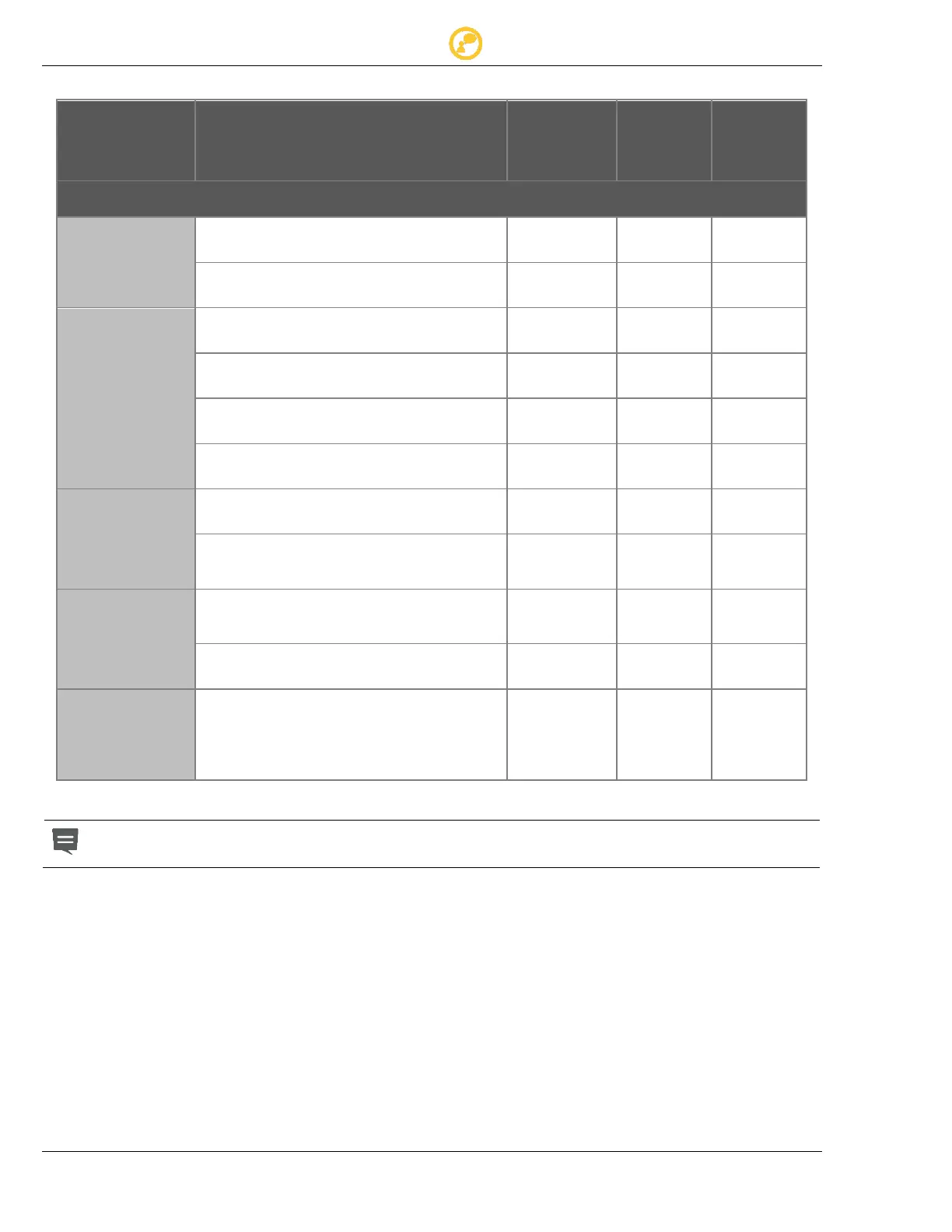
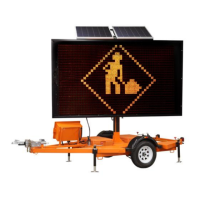
10.6 Signboard Interior Periodic Maintenance
Check for signs of water infiltration
Check drainage holes are unblocked
Run Chessboard test and visually check
all pixels are operational
Check there is no corrosion on the cards
Check all hoods are secured above each
pixel
Check all display cards are screwed in
place
Check harness cable. Make sure it is not
loose, frayed, or worn
Check cables between cards
Make sure connections are inserted
correctly
Check the Communication Card/Relay
Bracket for water damage and corrosion
and connection
Check the GPS for water damage and
corrosion and connection
Check photocell functionality on
communication card
Test functioning
(cover sensor with dark tape
Check sign brightness)
Red light ON (on communications card in the interior of sign case) indicates a
problem with electronics. Contact Ver-Mac Support for assistance.



 To Next Page